Getting Connected 111
Selecting links in web pages
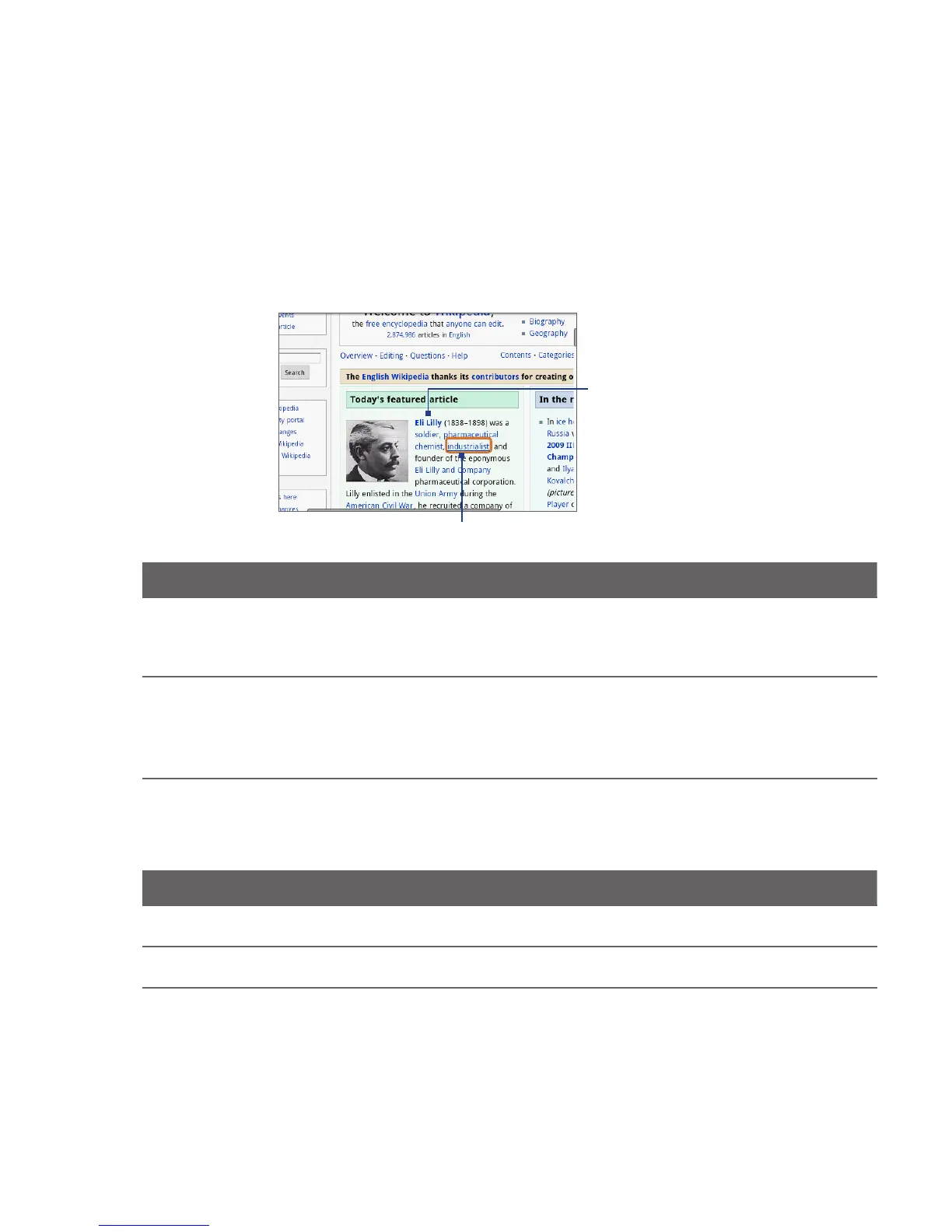
Navigate to links on a web page using the TRACKBALL. Links are enclosed in a
colored box when selected.
Link is selected
Link is not selected
Link What to do
Web page address
(URLs)
Tap the link to open the web page.
Press and hold the link to open a menu that allows you to open,
bookmark, copy to the clipboard, or share the link via email.
•
•
Email address Tap to send an email message to the email address.
Press and hold, then tap Copy on the menu to copy the email address
to the clipboard. You can paste the email address later when creating
a new contact or sending a new email message.
•
•
Browser also recognizes some phone numbers and addresses that allow you to
call the phone number or locate the address in Google Maps™. Recognized phone
numbers and addresses are highlighted in green when navigated to.
Link What to do
Location address Tap the address to open Google Maps and locate the address.
Phone number Tap to open the Phone screen to call the phone number.



 To Next Page