Camera and Multimedia 135
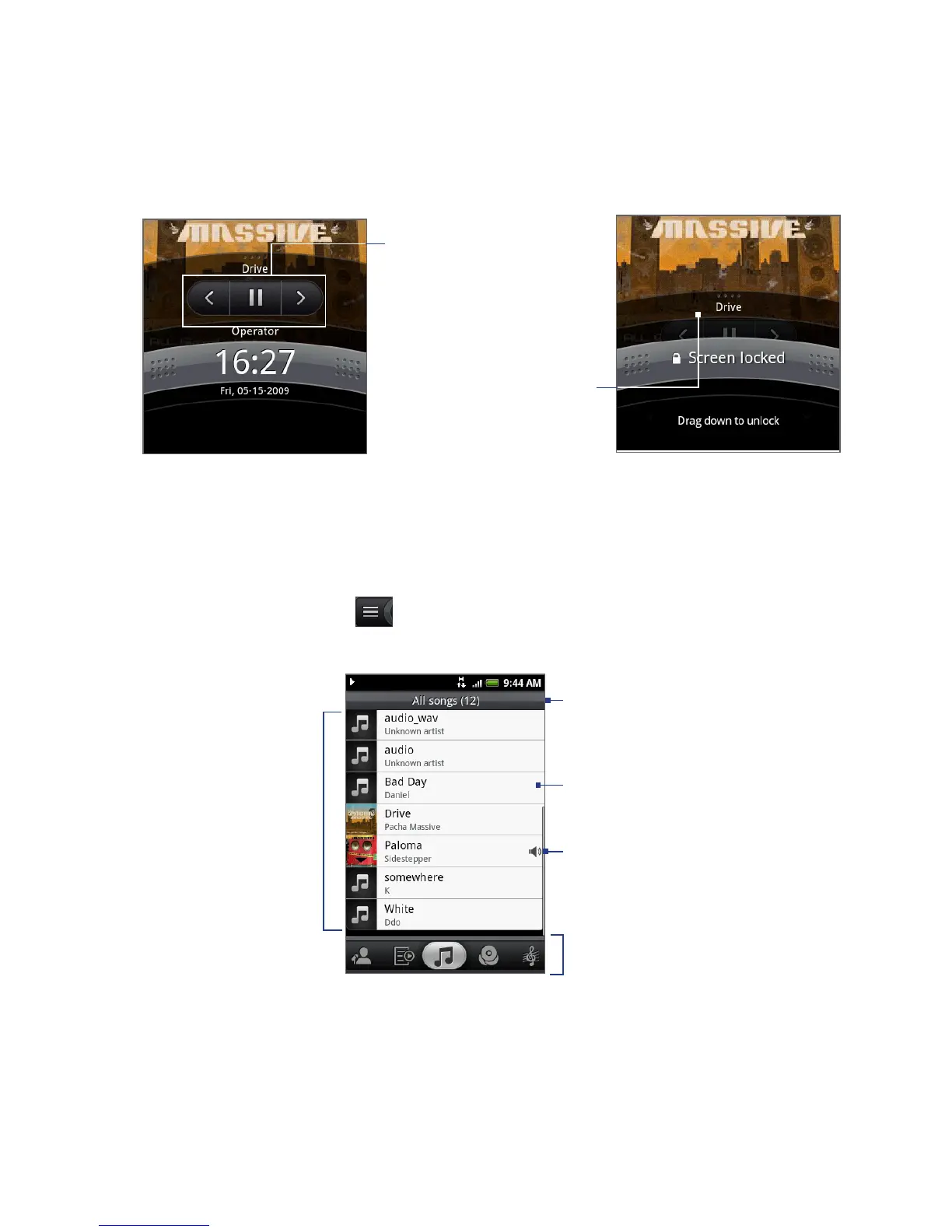
Tap to go to the previous
song, play/pause music, or
go to the next song in the
Now playing list.
If you do not see the
playback controls, tap
to show the playback
controls.
Library
Your music is organized into different categories such as Albums, Artists, Genre,
Composers, and more. Select a category by tapping one of the category tabs at the
bottom of the screen. Tap a song in the category to play it back.
To go to the Library, tap at the bottom-left of the Playback screen or the Now
playing screen.
Indicates the song
currently being
played back.
Tap a music category to
open the music file you
want to play.
Tap to play back.
List songs in
the category.
Category name



 To Next Page