Google Apps 149
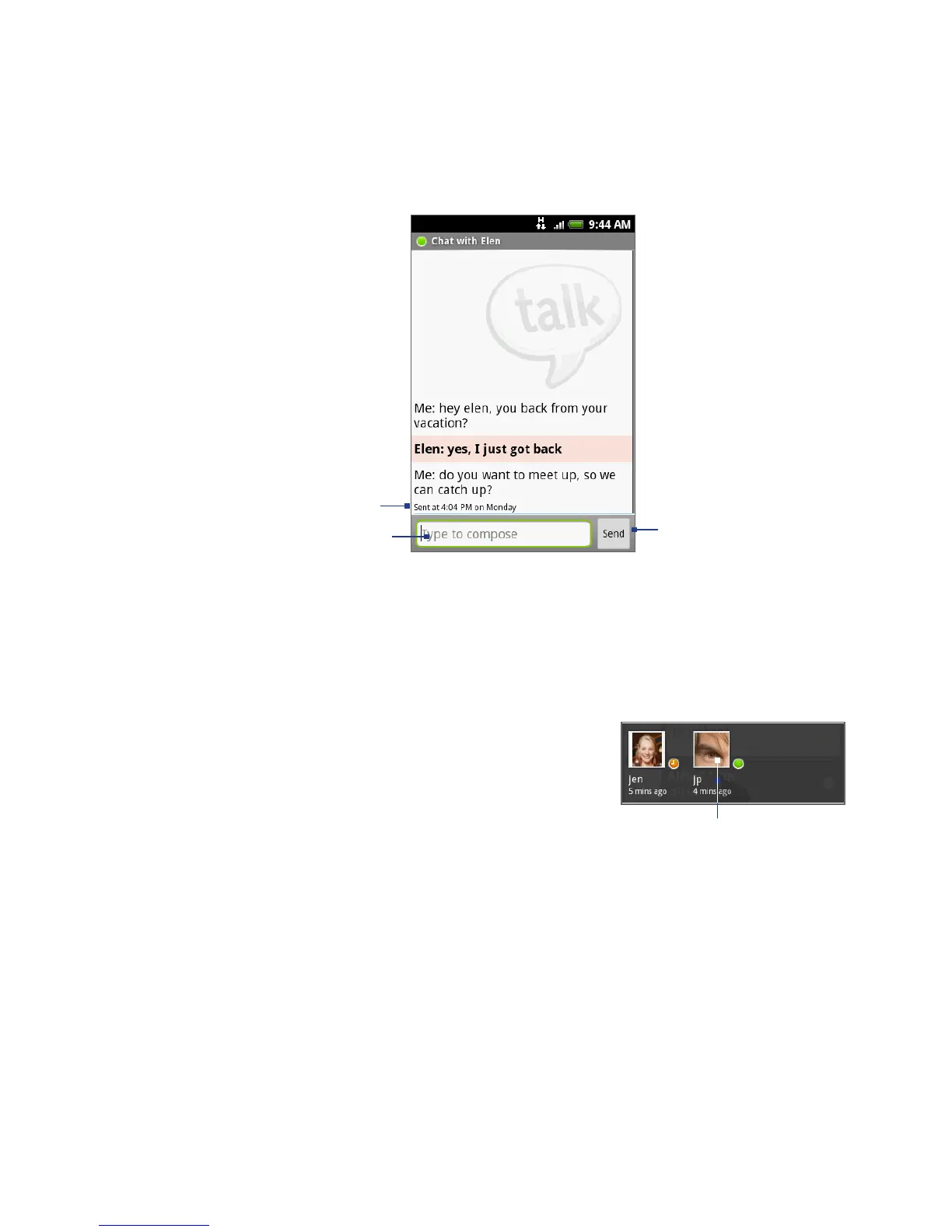
Tap to send
your message.
Enter your message here.
Timestamp.
Appears after every
minute of inactivity.
2. Chat with your friend by entering text using the onscreen keyboard.
Note To insert a smiley, press MENU and then tap Insert smiley. Tap a smiley to insert
it into your message.
3. After entering your message, tap Send.
To switch between active chats
You can switch between chats if you have more
than one chat going.
1.
While on a chat screen or in the friends list,
press MENU and then tap Switch chats.
2.
On the panel that opens, tap the friend you
want to chat with.
Tap to switch chat
with this friend.



 To Next Page