156 Google Apps
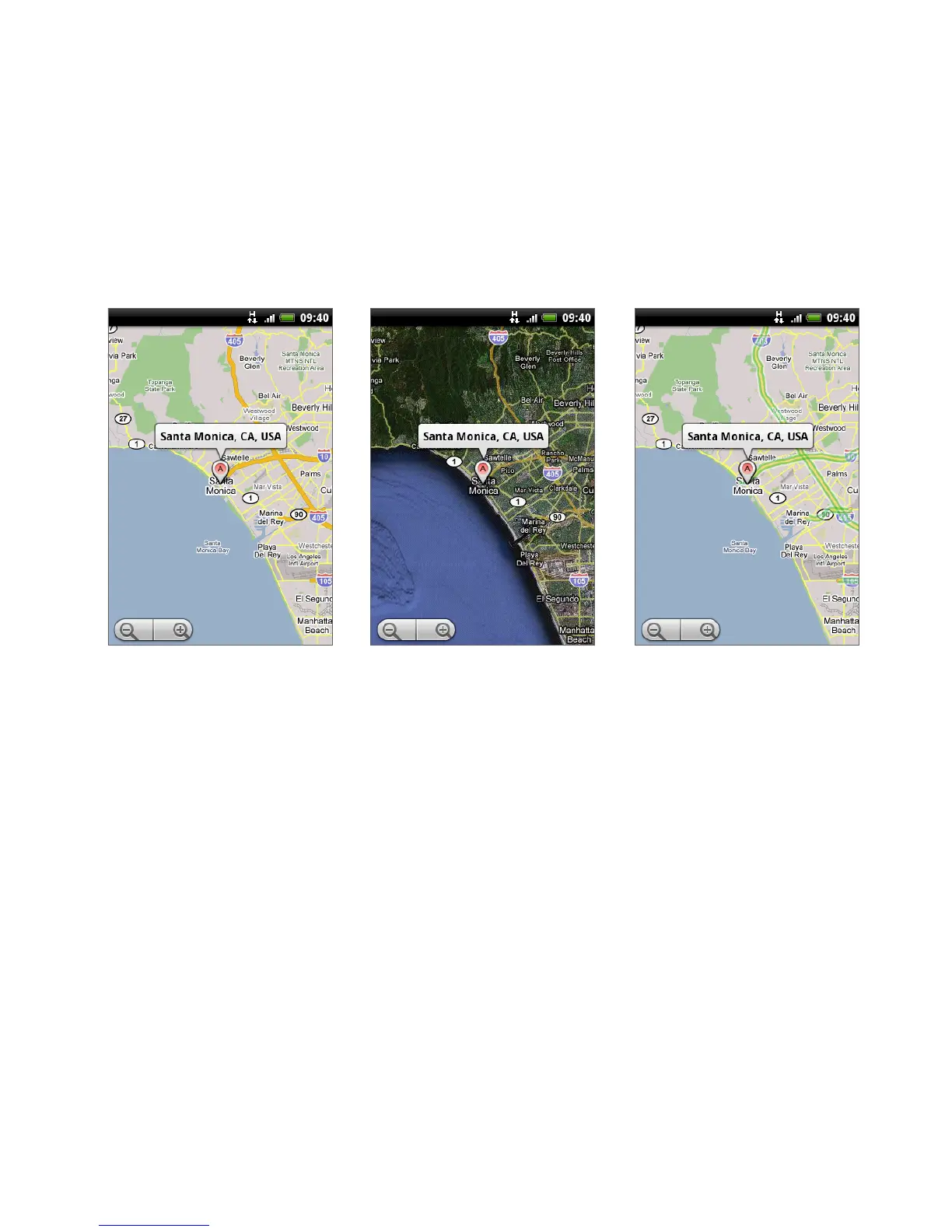
To change map modes
When viewing a map, you can switch to another map mode. Press MENU and then
tap Map mode. Select from Map, Satellite, or Traffic.
Traffic modeMap mode Satellite mode
Map mode This is the default view and displays a map, complete with names
of streets, rivers, lakes, mountains, parks, and boundaries.
Satellite mode Google Maps uses the same satellite data as Google Earth™.
Satellite images are not real-time. Google Earth acquires the best imagery
available, most of which is approximately one to three years old.
Traffic mode (available only in selected areas) Real-time traffic conditions
are displayed over roads as color-coded lines. Each color represents how fast
the traffic is moving.
•
•
•



 To Next Page