42 Phone Basics
• HTC widget. Add HTC widgets to the Home screen such as a clock,
calendar, mail, people, Footprints, and more.
• Android™ widget. Add Android widgets to the Home screen such as a
clock, music player, a picture frame, the Google™ search bar, or a calendar
that shows upcoming appointments.
• Folder. Add a folder where you can organize Home screen items. Add a
shortcut to all your contacts, contacts with phone numbers, or starred
contacts. Contact details are automatically updated when there are
changes in the source.
For more information on how to create folders, see “To create a folder and
add items to it” in this chapter.
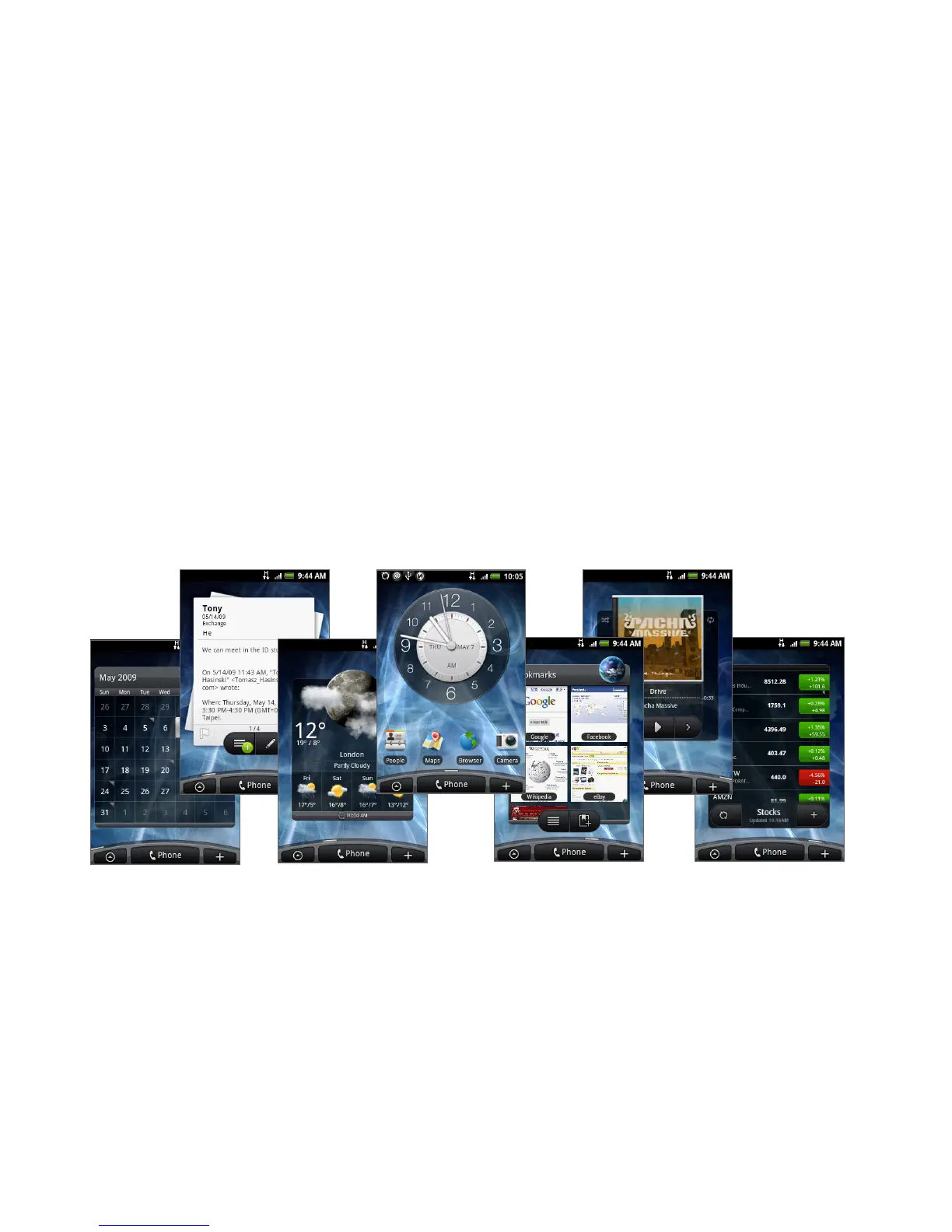
Your Home screen can look something like this after you take advantage of the
available widgets or use Scenes.
To populate your Home screen with widgets from a Scene, press HOME > MENU,
and then tap Scenes.



 To Next Page