FusionModule800 Smart Small Data Center
Maintenance Guide
Huawei Proprietary and Confidential
Copyright © Huawei Technologies Co., Ltd.
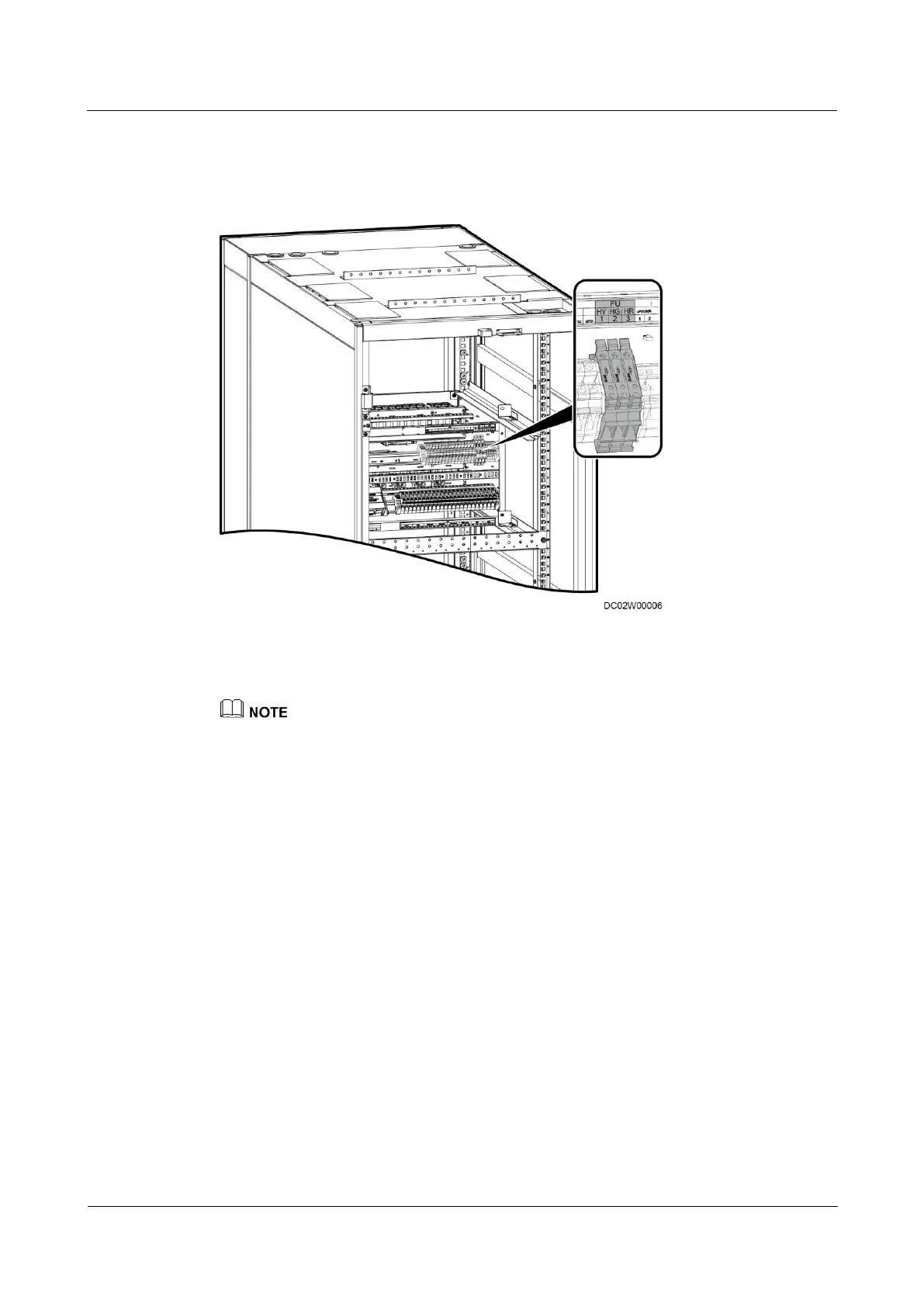
Figure 5-7 Fuse positions
Fuses of yellow, green, and red indicators respectively
The figures are for reference only. The actual product appearance prevails.
Procedure
Step 1 Shake the fuse terminal block gently, pull it out, and push it outwards, as shown in Figure 5-8.





 To Next Page