7.2
SETUP PROCEDURE
The BDMS is factory installed but at times it may be necessary to enter the setup mode:
To enable the blade monitor system, follow the steps outlined below:
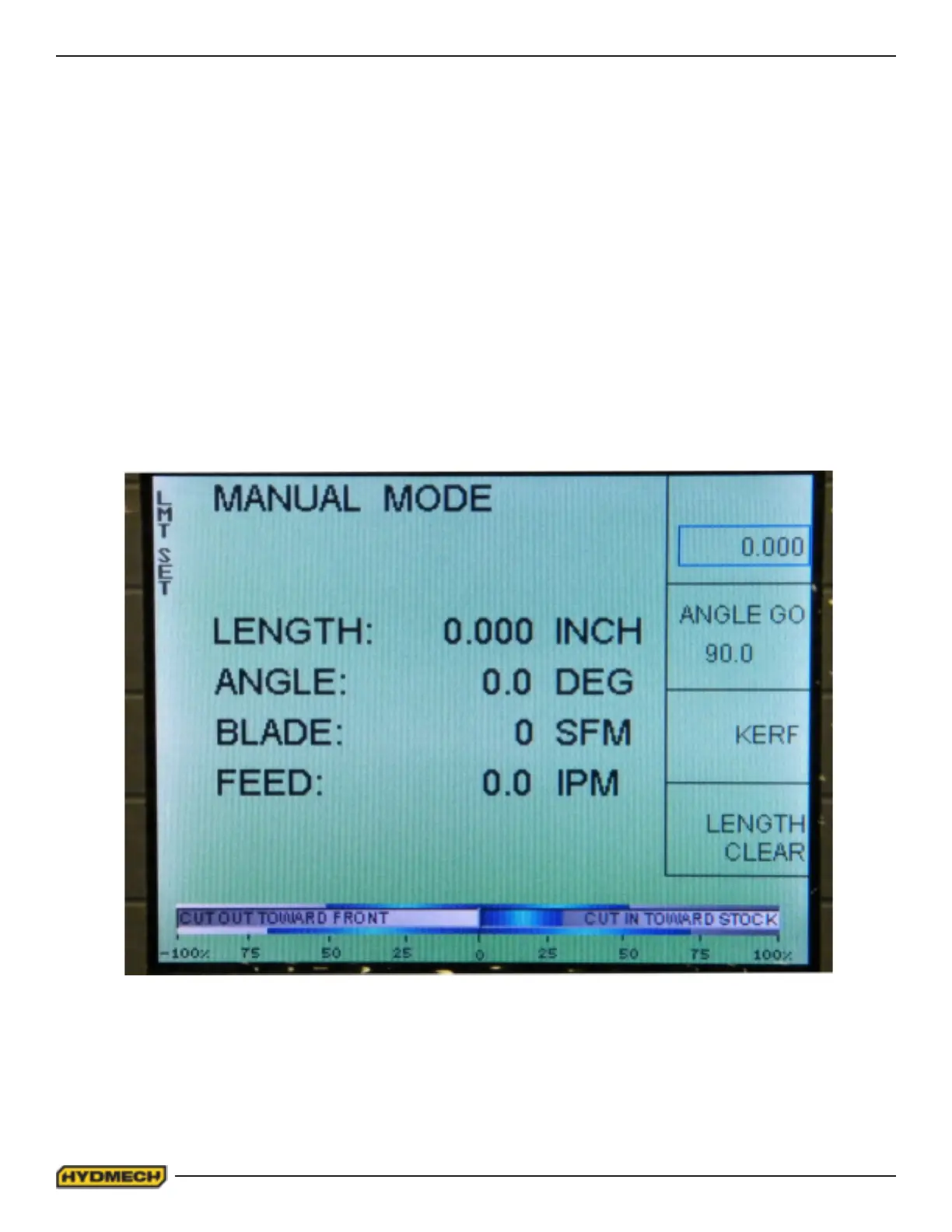
1. Enter the MONITOR LIMIT SETTING screen by pressing function key F1 labeled LmtSet. The MONITOR LIMIT
SETTING screen will be displayed (Fig. 2)
2. Enter the Parameter screen by pressing function key F5 labeled BLADE MONITOR PARAMETERS. The
PARAMETER SETTING screen will be displayed (Fig. 4. Page 2.4.)
3. Change the BLADE DEVIATION MONITOR parameter to ON by moving the cursor using the navigation keys to
ON/OFF and pressing ENTER. The value of Blade Monitor parameter will change to ON.
4. Exit the Parameter screen by twice pressing the function key F1 labeled RETURN.
To disable the blade monitor option, repeat the above steps 1 to 4 but ensure in step #3 that OFF is selected.
Fig.1A


 To Next Page