7.5
To set any of the numerical parameters, use the NAVIGATION keys (Fig. 1) to place the cursor over the number. Key in
the desired value, and then press ENTER.
To change the ON/OFF parameters, place the cursor over the parameter, and press ENTER to toggle between ON and
OFF.
WARNING RESPONSE TIME
Warning response time (range 2 – 99 seconds)
If the blade deviation exceeds the preset warning limit for longer than the warning response time,
then the beacon light mounted on top of the head will start flashing.
MAX LIMIT RESPONSE TIME
Warning response time (range 2 – 99 seconds)
If the blade deviation exceeds the preset shutdown limit for longer than the shutdown response
time, then the machine will execute the shutdown sequence.
DISPLAY REFRESH TIME
Range 0.1 sec to 10 sec)
The refresh time is time between bar graph updates.
SENSOR SETTING
Range: –2000 to +2000
The number displayed here represents the position of the blade within the measuring range of the
proximity transducer. At 0, the blade is exactly centered within the sensing range.The display assists
adjustment with the prompts ‘SETTING, or ‘SET’. The prompt ‘SET’ appears when the adjustment is
within the acceptable range of – 100 +100. [See sensor adjustment procedure section]
BLADE DEVIATION MONITOR
ON/OFF
This parameter will activate or deactivate response of the blade deviation monitoring system.
MACHINE RESPONSE AT SHUTDOWN If the shutdown sequence has been executed then, the machine will behave in one of two ways.
BLADE ST0P, HEAD UP AND MACHINE STOP
NO/YES
Stop cutting, raise the head, and shut down
FINISH CUT, MACHINE OFF
NO/YES
Finish the cut with present degree of deviation and then shut down
Fig.5
PARAMETER DESCRIPTION CHART
To return from the PARAMETER screen to the AUTO or MANUAL screens, press twice the RETURN (F1 function key).
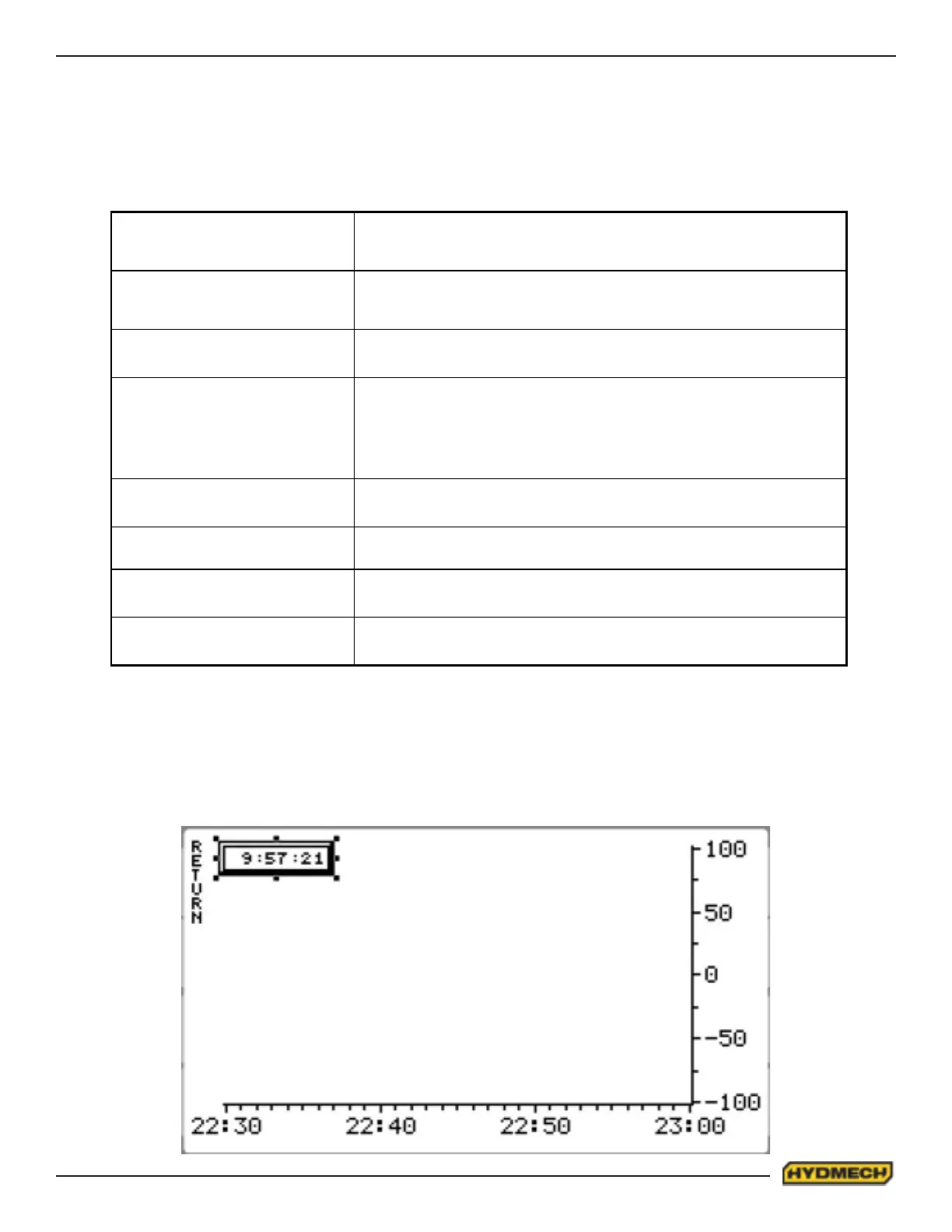
To access the HISTOGRAM screen (Fig. 6), press HISTOGRAM (F2 function key).
To return from the HISTOGRAM screen to the AUTO or MANUAL screens, press twice the RETURN (F1 function key).
Fig.6
HISTOGRAM SCREEN


 To Next Page