• A USB keyboard
Complete the following steps to power on an IBM Storage Scale System 6000.
1. Keep the IBM Storage Scale System 6000 on a bench.
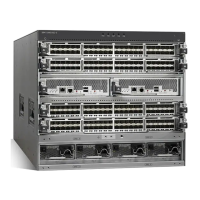
Figure 14. IBM Storage Scale System 6000
2. Identify all the ports that are needed to power on the system.
Figure 15. IBM Storage Scale System 6000 ports
3. Connect a monitor to the mini HDMI display port.
Figure 16. Monitor to display port connection
30
IBM Storage Scale System 6000: Hardware Planning and Installation Guide




 To Next Page