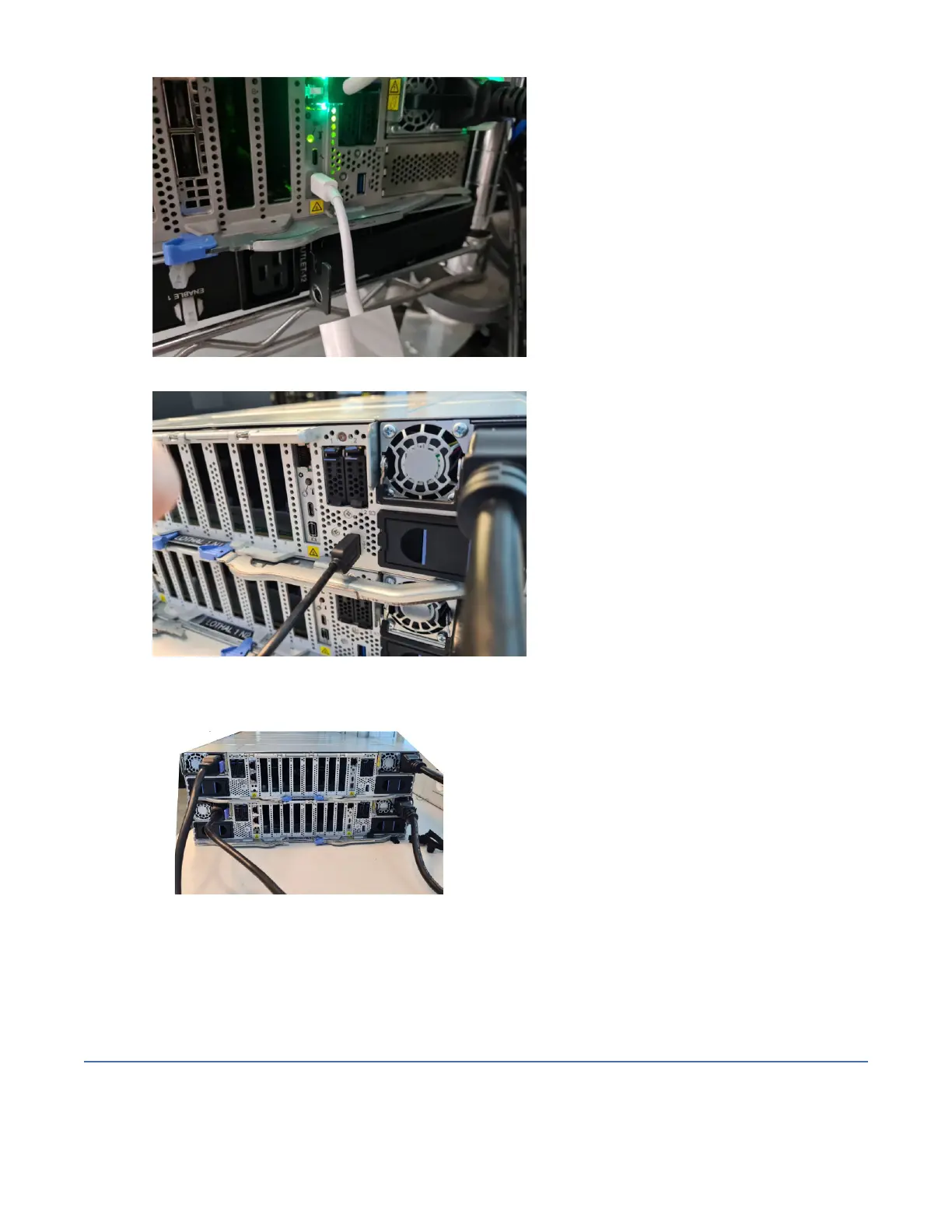
4. Connect a keyboard to the USB A port.
Figure 17. Keyboard to the USB A port connection
5. Connect the four power cables to the PSUs.
Figure 18. Power cables
6. Connect the four power cables to the power distribution unit (PDU).
The system powers on automatically and boots. After approximately 5 minutes, the system displays a
command prompt.
Planning for site preparation
This information is intended to help you prepare your physical site for the installation of an IBM Storage
Scale System 6000. Marketing and installation planning representatives are also available to help you
Chapter 3. Planning for IBM Storage Scale System 6000 hardware
31




 To Next Page