17
2.4 Power-Up
At power-up, the display will first show a rolling text message giving information as to:
FireTracer type: FIRETRACER FT [1, 4, 6, 8, 15]
Software version: VERSION *.**
Optional text 1
Optional text 2
Optional text 3
Optional text information: these are user settable options differing from the factory default settings (1 & 2) or a factory build option (3)
1. REM PANEL The unit may be configured to operate the display panel remotely using the RS485 communications.
2. NO DET FLOW The flow measurement through the detector chamber itself may be disabled
3. NO WEB SUPPORT This is a factory software build option. If built with Web support, no message is displayed
2.5 Flow normalisation (Wide bore systems Pico, FT1, 4, 6)
The fan speed is programmable from 0 to 10 (see configuration) and the factory default setting is 5. It is recommended that it be left at 5
unless there are good reasons for changing it.
Once the pipe work has been completed it is necessary for the unit to “learn” the values of flow rates at each inlet. Once it has done this,
all displayed flow rates will be normalised to 100%. The process will take about six minutes, and a rolling text message indicates progress.
Please Note: If the unit is in alarm a flow calibration cannot be performed.
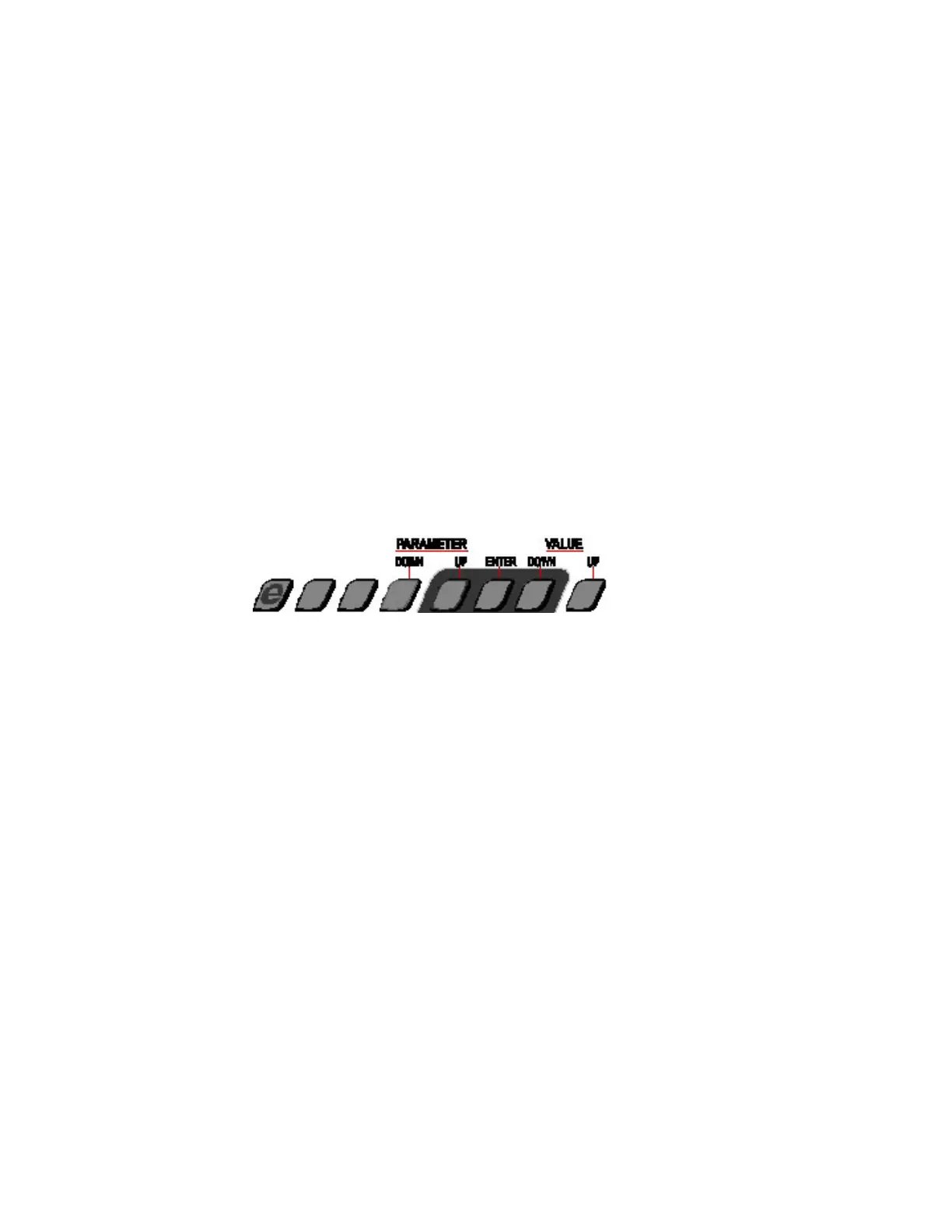
The diagram below shows the button functions.
1 Press MAIN MENU (on some displays it is labeled CODE)
2 Use PARAMETER UP & DOWN to reach CONFIGURE
3 Press ENTER
4 Enter Access Code 260
5 Use PARAMETER UP & DOWN to reach SETFAN
6 Press ENTER - The display shows SETFAN 5 (“5” flashing)
7 Press ENTER - Rolling text message showing progress. When complete, the display resumes at SETFAN 5
8 Press MAIN MENU twice to revert to normal display
NB. Press MAIN MENU to abort normalization at any stage.



 To Next Page