EasyManua.ls Logo

icam FT6 - 6.4.4 Data Logger Functionality

Default Icon
47 pages
Print Icon
To Next Page IconTo Next Page
To Previous Page IconTo Previous Page
Loading...
42
6.4.4. Data Logger
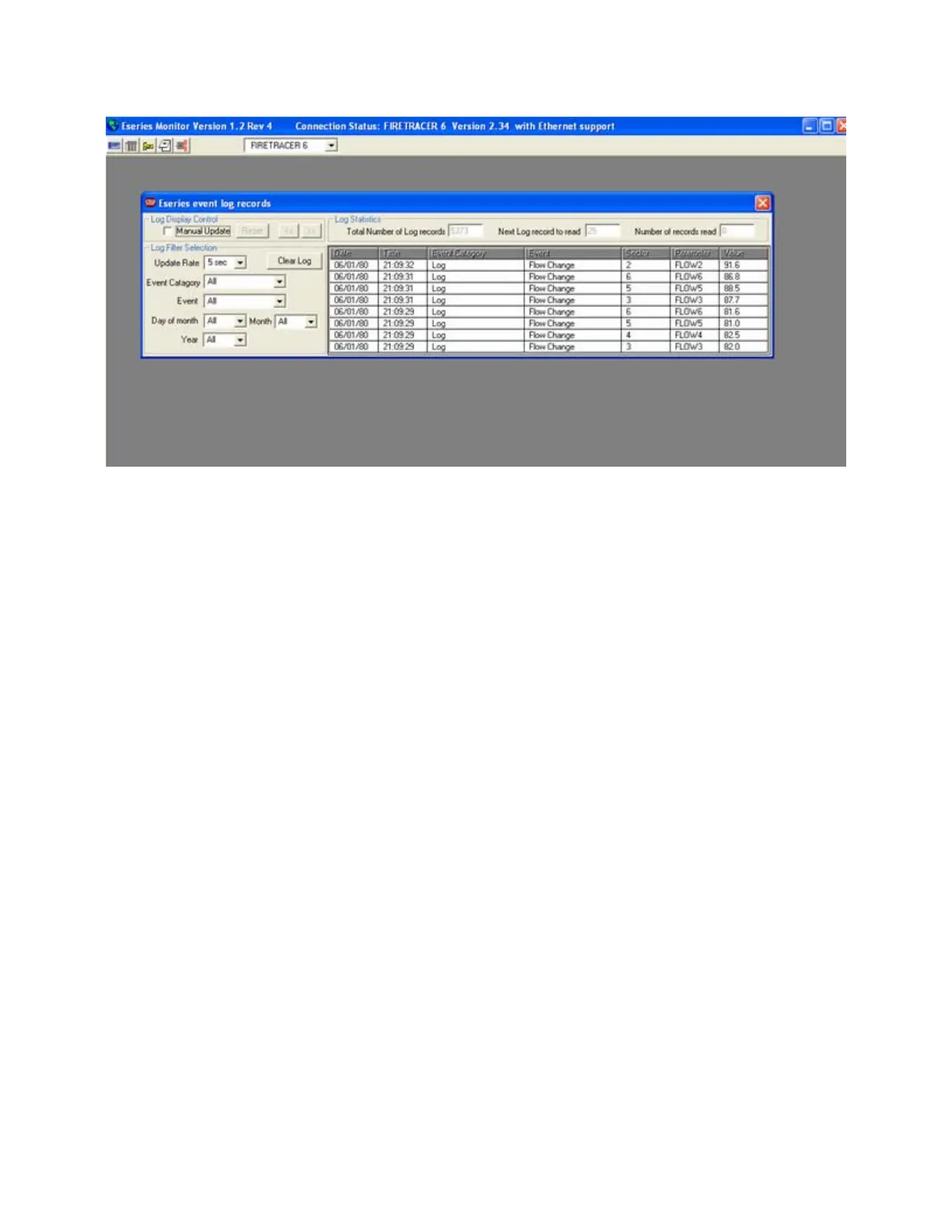
The window for this utility is shown below:
The data logger records every event that occurs with or to the system. The log is constantly added to, with an update rate selected by
using the drop-down menu. Other drop-down menus filter the log so specific times and events can be viewed. The event menus are as
follows:
Update Rate: 5 seconds Event Category: All
10 seconds System
30 seconds Log
1 minute Data entry
10 minutes Into alarm
Out of alarm
Into fault
Out of fault
Event: All General
Alert Flow Cal
Action Aspirator
Fire 1 Battery
Fire 2 Detector
Pre-alarm Flow High
Alarm Flow Low
Power up Mains Supply
User Value Change
Inet Flow Change
Modbus Write Defaults
Web Log Cleared
Trace Rotary value
User Reset Flood cable
Ext Reset Comms Error
Accept
Laser Cal
Eeprom
Isolated on
Isolated off

Related product manuals