39
6.4 Using the Software
The main program screen is blank except for five buttons in the top left corner as shown below.
These access the separate utilities within the program.
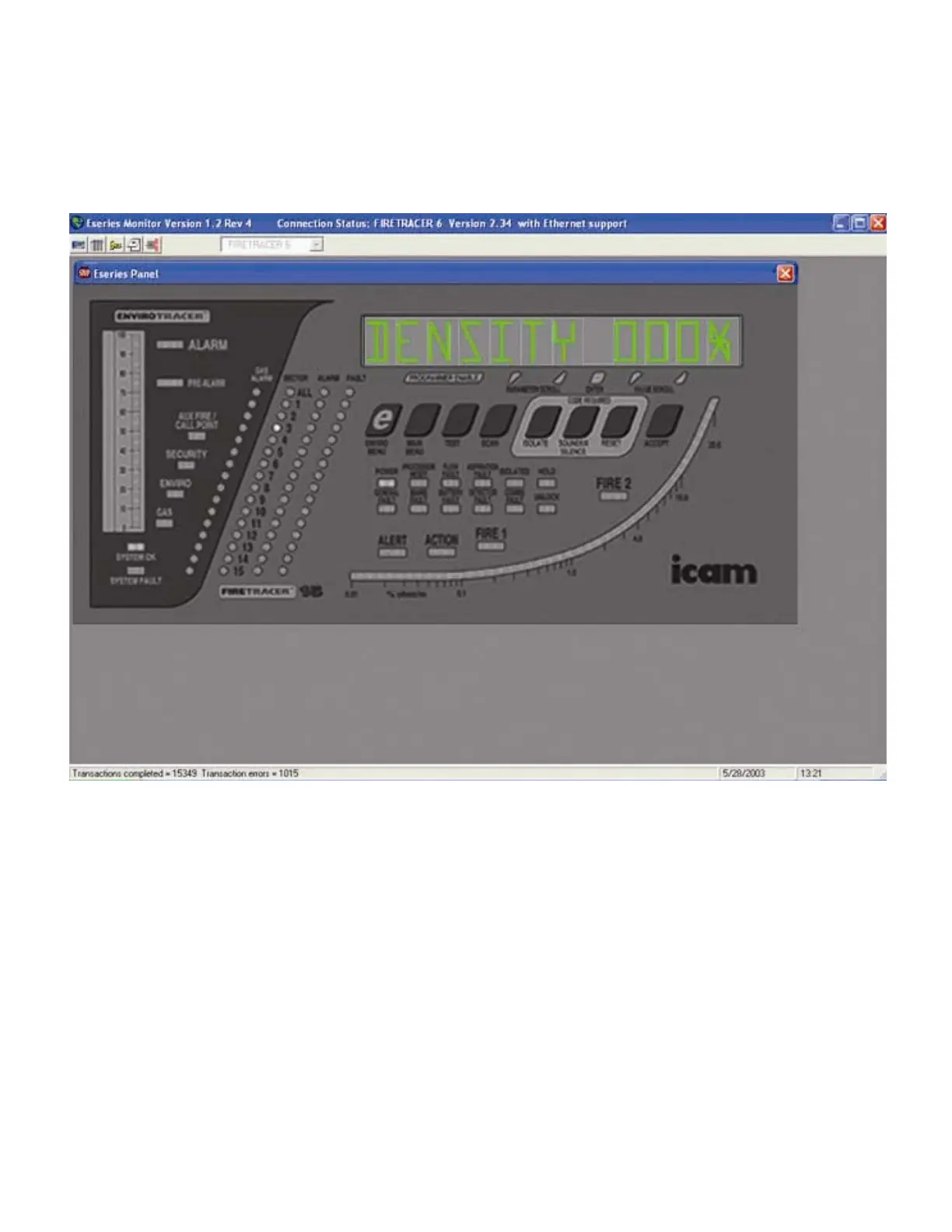
6.4.1. E-series display panel emulator
This window shows the e-series software emulator. This exactly mimics an e-series display panel and to set-up the Pico, or any of the
other e-series range, the buttons on the panel can be clicked on to enter the information in the same way it would be entered if it were a
panel on an actual device. To set the FireTracer up using this method, please see the section in this manual relating to main menu and
access code entry. This also describes the functions of the buttons on the display.
The other functions in the software allow you to set-up and calibrate the device in a different manner. The data is displayed in tables and
new values are easily entered. This method of calibration is more detailed and some variables, such as the IP address, can be entered
more easily than on the display panel.
The calibration and data logger windows are explained below.



 To Next Page