31
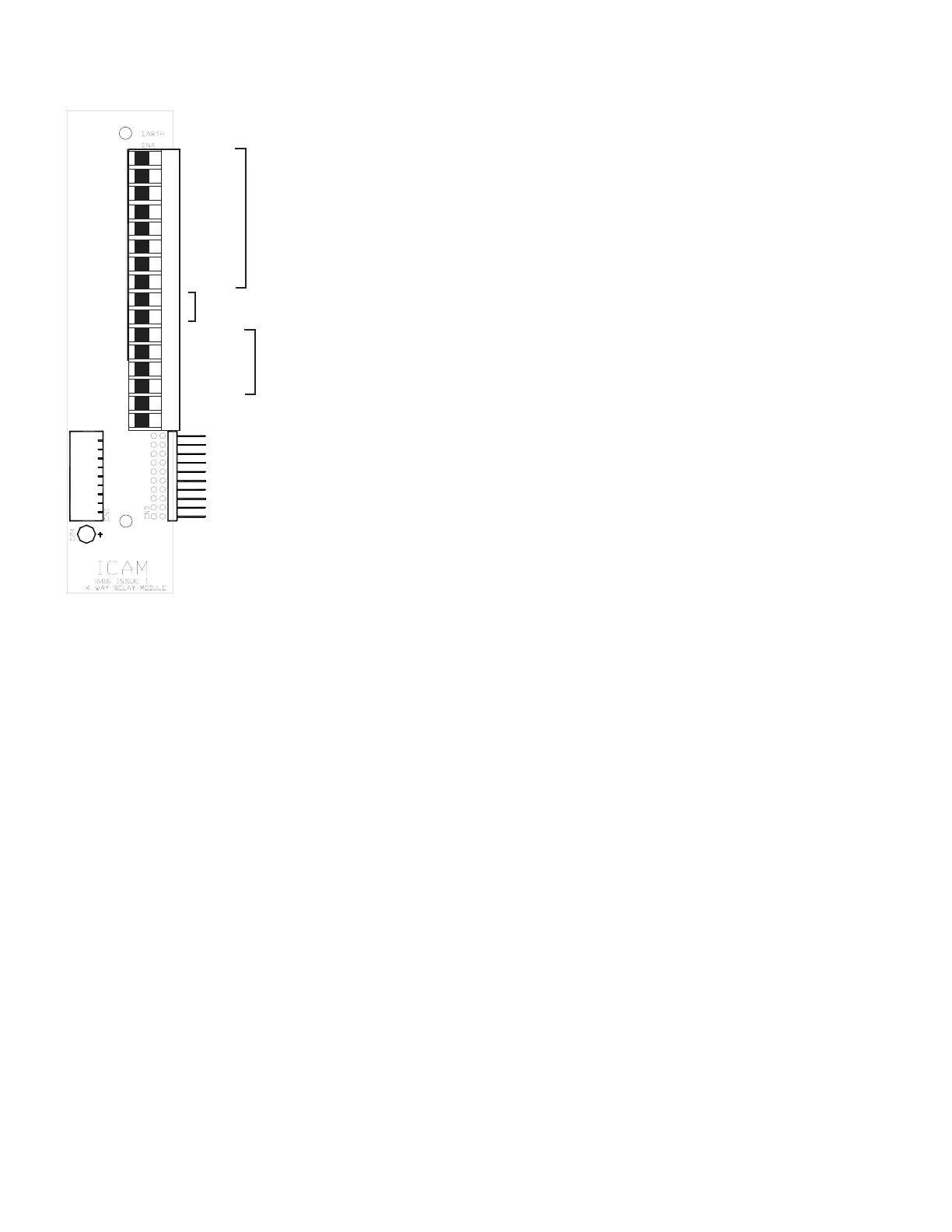
12 Channel Analogue Input Module
Input 1+
Input 2+
Input 3+
Input 4+
mV
4-20
mA
Input 5+
Input Ê9+
Input 10+
Input 11+
Input 12+
0V (i/ps 9 to 12)
+24V
Input 6+
Input 7+
Input 8+
0V (i/ps 1 to 8)
The Input values (ANIN1 to ANIN12) can be monitored in the ENVIRONMENT list of the Front Panel (accessed by pressing the Enviro Menu
button) as well as in the Environment list of the Engineering window of the E-series Monitor.
Two different alarm thresholds are available to control the 12 Input signals, these are recognised as Pre-alarms and Alarms. The Pre-
alarms (PREIN1 to PREIN12) and the Alarms (ALIN1 to ALIN12) can be accessed and modified via the CONFIGURATION list of the E-series
Front Panel (accessed by pressing the Enviro Menu button) or via the Environment list in the Configuration window of the E-series Monitor.
The display is scaled for 0-100% of the input; the same scaling is used for the alarms. Each of the two alarm conditions is independently
adjustable over the entire input range (4 to 20mA) and therefore can be set to detect either a ‘High’ or ‘Low’ state alarm condition.
A ‘High Alarm Condition’ is provided if the level for the ‘Alarm’ is set above that of the ‘Pre-alarm’; conversely a ‘Low Alarm Condition’ will
be set if the ‘Alarm’ level is set below the ‘Pre-alarm’ level. (See diagram on following page).
SETUP Set to ANIN 12
May be used with various sensors: e.g. gas, humidity, temperature.
Number of analogue inputs 12 4 - 20mA (input impedance 100
ohms)
Resolution 12 bits
Sample rate 1 channel per 100mS, sequential



 To Next Page