41
4. Environment List
If you are using an EnviroTracer to monitor ambient temperature, humidity and/or heat then this table is where the thresholds are entered.
The pre-alarm and main alarm can be set to sound at chosen variations from the calibrated value.
5. Web IP
Here the IP address and mask can be entered and also the time and date can be synchronised with that of the PC.
6.4.3. Engineering and Maintenance
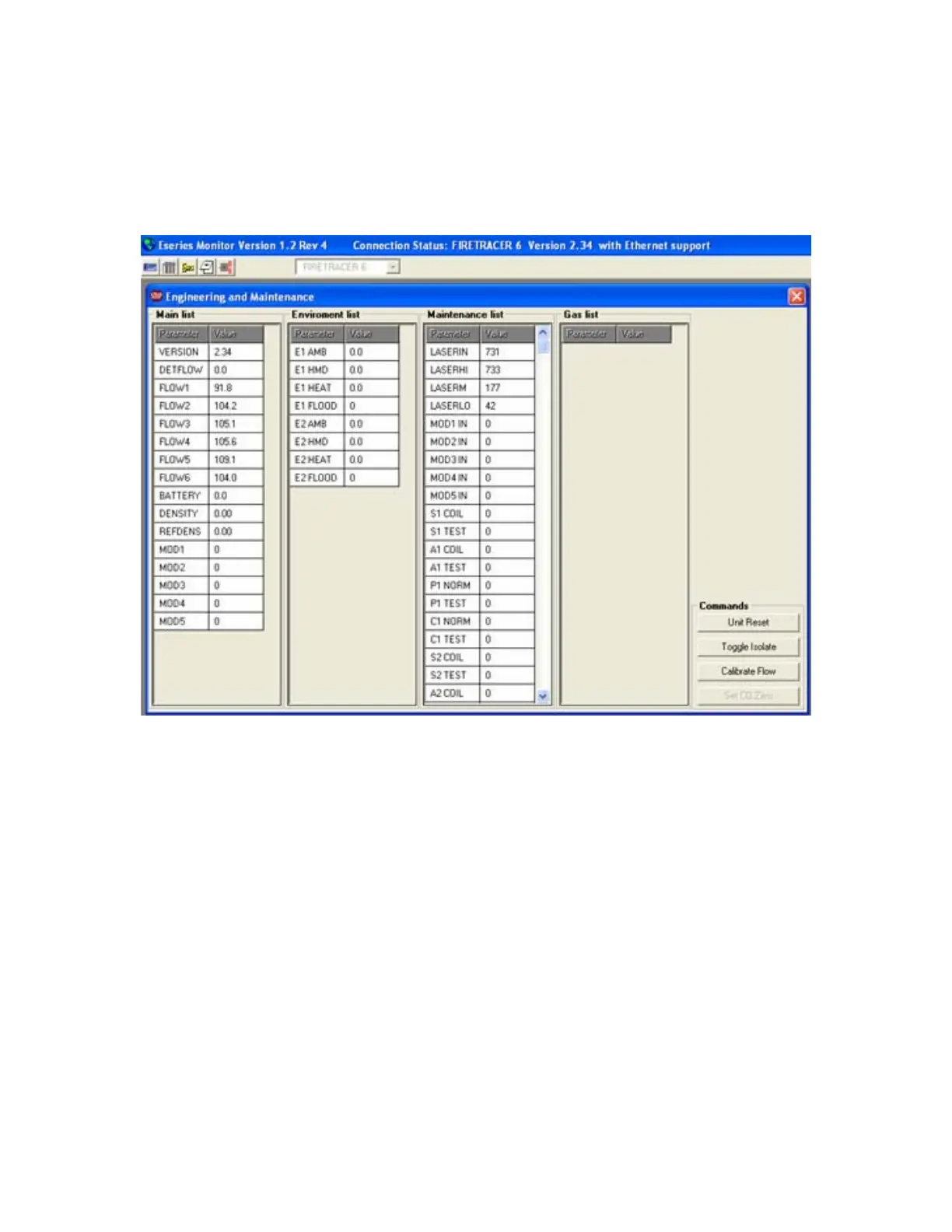
The window for this utility is shown below:
This window shows the data lists in the software. All these lists show the raw data values of that particular part of the system. These can
not be altered from this window.
The command section in the bottom right-hand corner gives four options including Calibrate Flow which gives you an alternative to the
method described earlier in the manual.



 To Next Page