38
6 E-SERIES MONITOR SOFTWARE
The e-series monitor software provides a method of setting up and calibrating the Pico as well as adding extra functionality to all of the
other e-series products. The following procedure is mandatory for setting up the Pico once it has been installed but the software can be
used for all of the e-series.
6.1 PC Connection
The e-series connect to a PC with an RS232 cable. This goes from the serial/RS232 port from the e-series to a Comm. Port on the PC.
Make a note of the number of the Comm. Port being used (normally 1 or 2).
6.2 Software Installation
The software comes on a CD and having inserted this into the CDRom drive use one of the following methods:
Open “My Computer” then open the CDRom drive where the disc is inserted, locate the monitor file and double click the set-up utility.
If the software has been downloaded just double-click on the downloaded file and the setup should start automatically.
Having run set-up, a short-cut called E-series Monitor should be placed in the start menu under programs and can be used to run the
program.
6.3 Software Set-up
When the program is first run, it will request the Com Address, where you enter the number of the serial port that the device is connected
to, and also the Modbus Address which is normally 1.
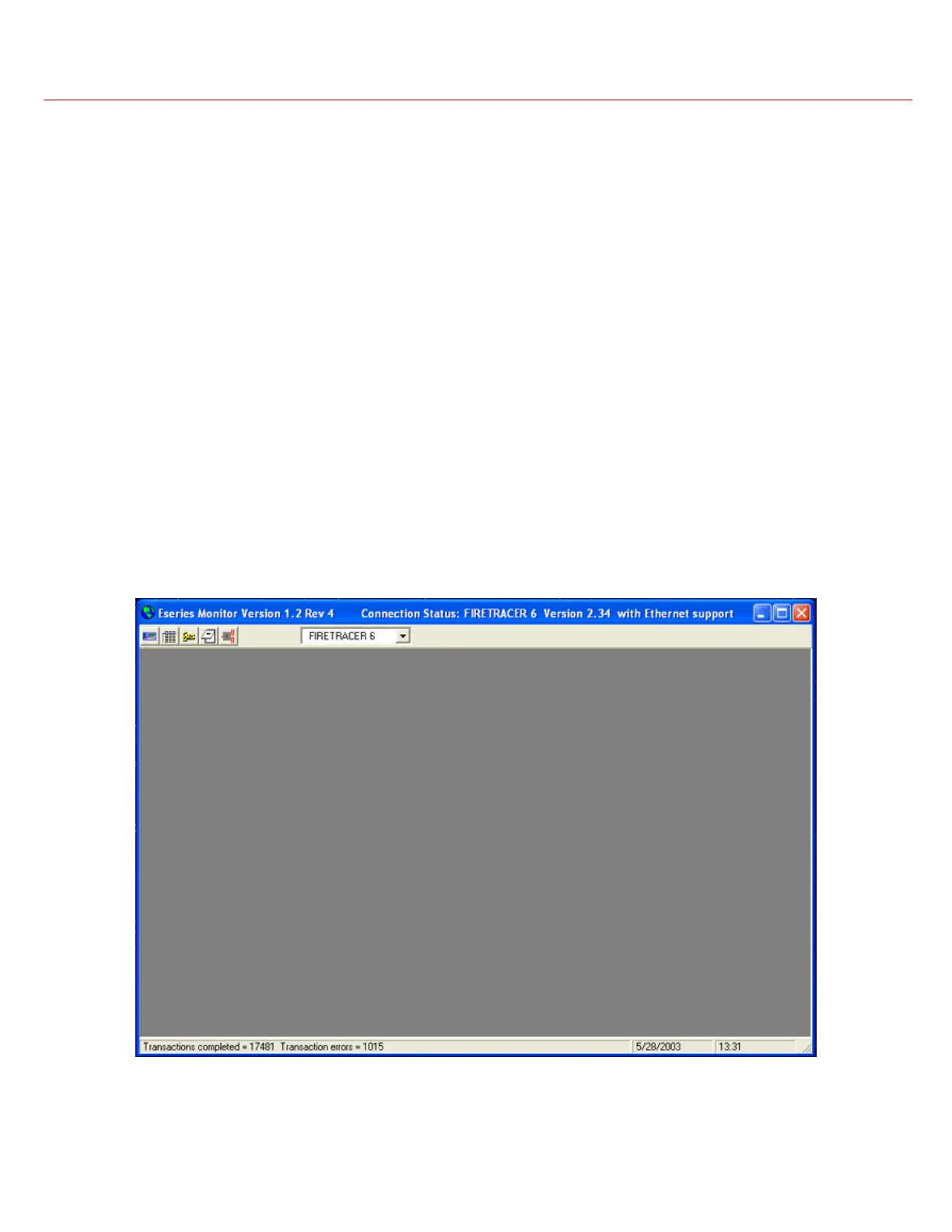
The main screen of the program should now be visible and is shown below. The top of the screen displays the information about your
system. This includes the model name, whether it is web enabled and the version being used.



 To Next Page