37
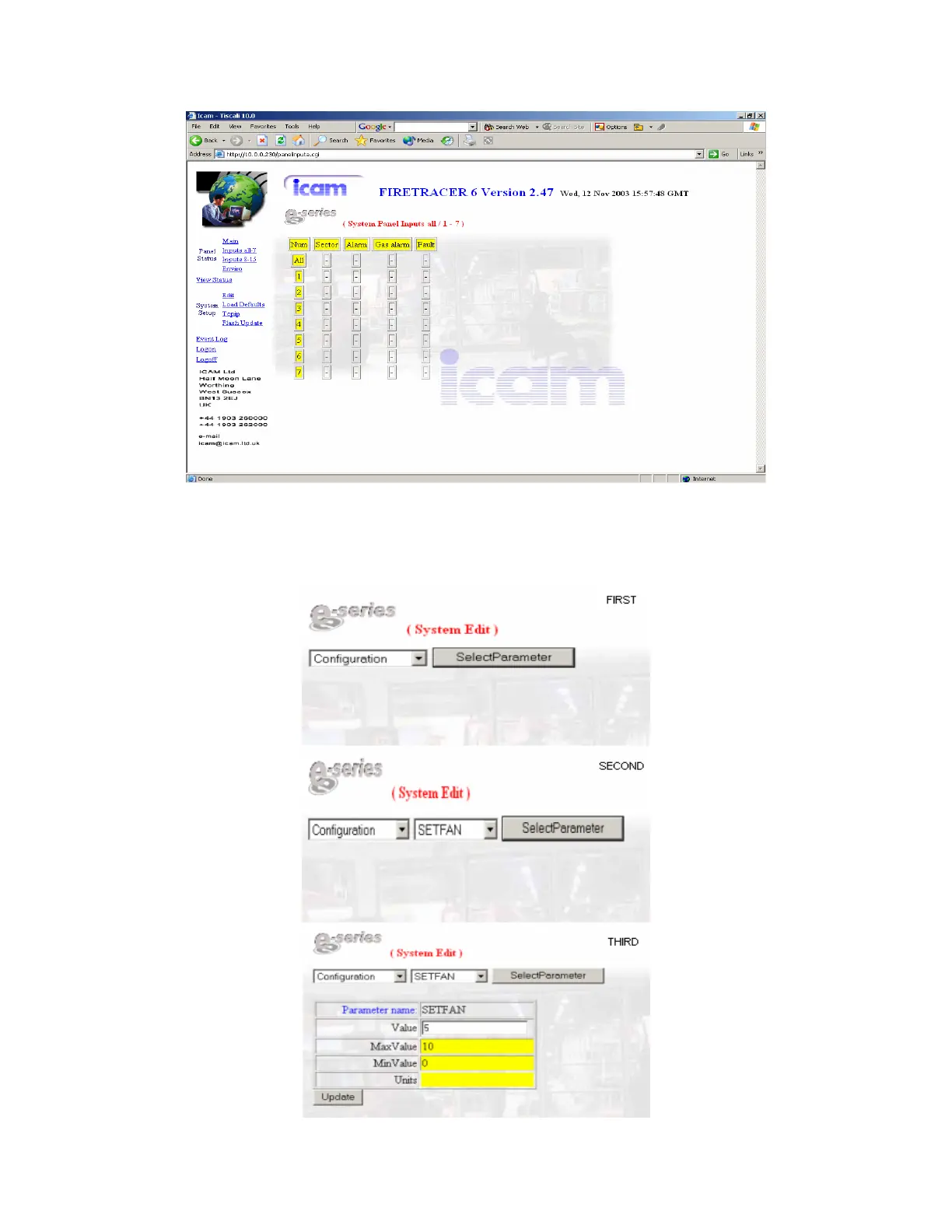
The inputs pages show the status of the fault, fire and gas alarm for each individual sector.
To modify a parameter the user must select its list, then pick up the parameter on the next step and finally introduce the new value. The
cell must be white to enable the data entry; if this cell colour is blue that means that the user should logon with the administrator
password. In this example the user wants to modify the speed of the fan (SETFAN) of the Configuration list:



 To Next Page