18
2.6 Connecting the e-series Display Panel remotely
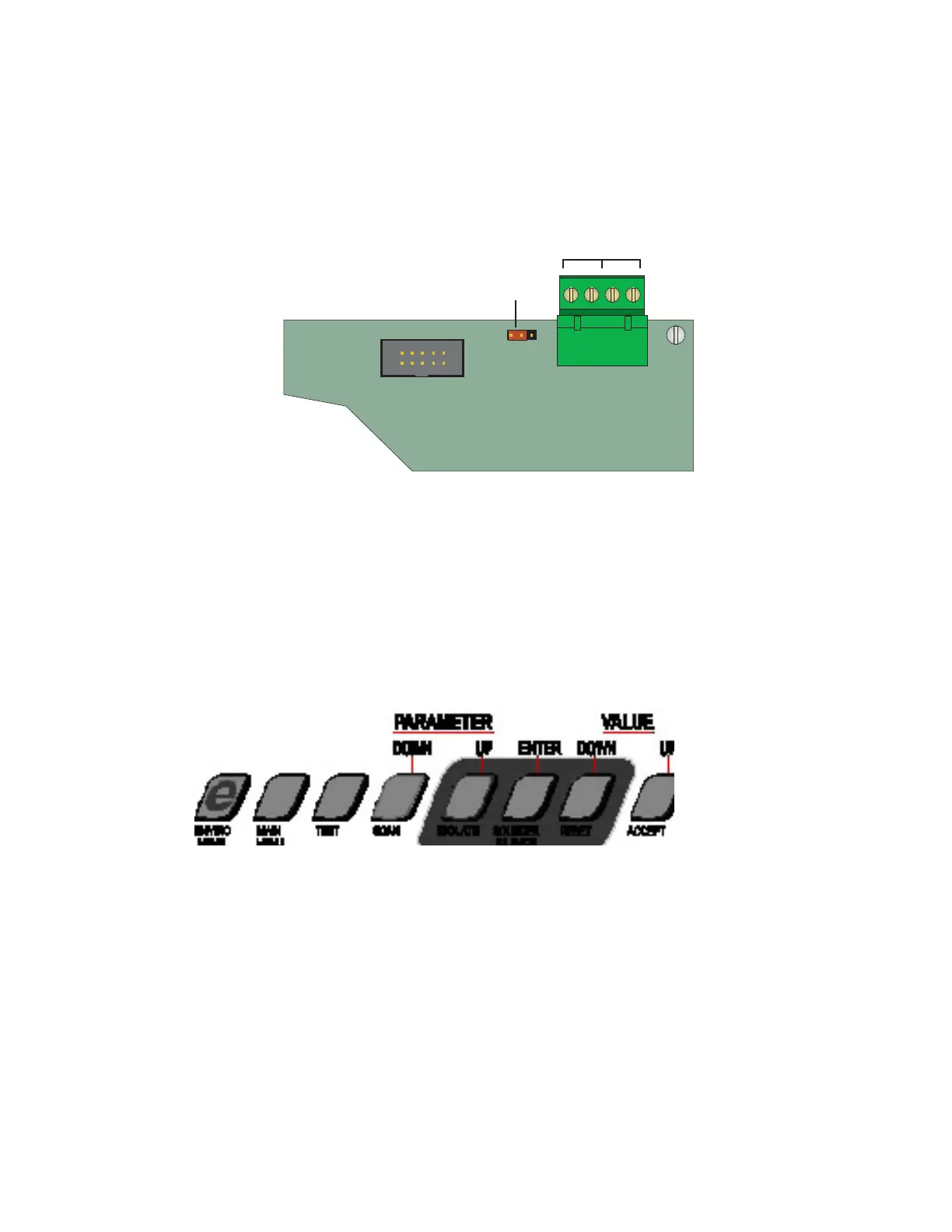
An Icam kit is available for mounting the display panel up to 1km away from the FireTracer. It contains:
1 Blanking plate
1 Mounting Box
1 Fixing kit
i600
display board
0V
end mid
++
Ð
+24VRS485
Jumper
Link
4 way connector
for remote operation
Note: ensure that a jumper link
is fitted as shown
Suitable double twisted pair cable can also be supplied.
Use 1 pair for comms, 1 pair for 24V supply, and ensure that matching signals are connected at each end.
To use the Display Panel remotely, the main unit must also be configured for remote display operation as follows.
2.7 Configuring the e-series to drive a remote display panel
1 Press MAIN MENU
2 Use Parameter UP & DOWN to reach SETUP
3 Press ENTER
4 Enter Access Code 693
5 Use Parameter UP & DOWN to reach REMPANEL
6 If the display shows REMPANEL 0 then press Value UP to get REMPANEL 1
7 Press ENTER
8 Press MAIN MENU twice to revert to normal
More information may be found in the section: Installation Guide for RS485 Equipment (page 33).



 To Next Page