43
6.4.5 Logging Extraction Application
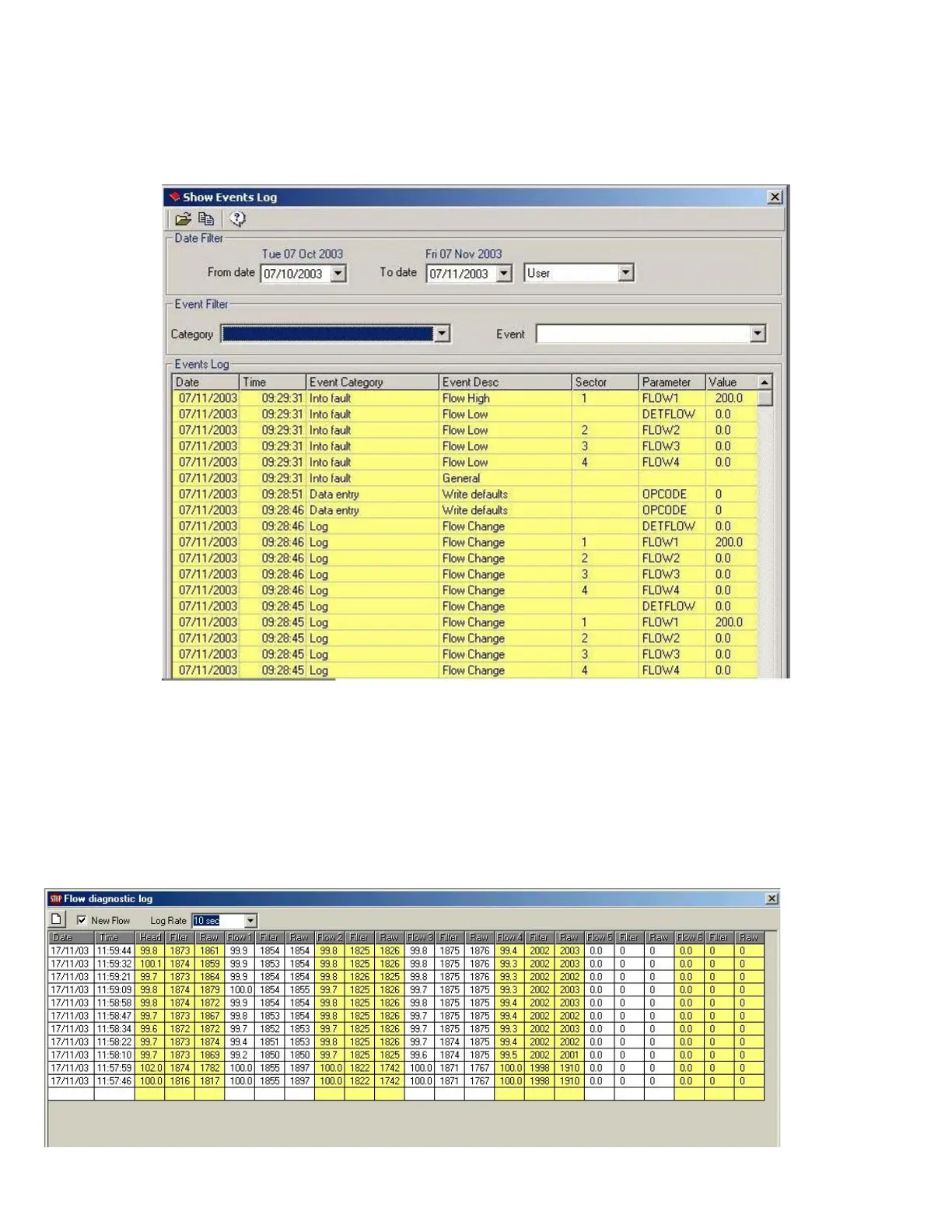
All log entries stored in the E-Series system can be extracted into an Access database file, by default the EseriesLog.mdb. The
EseriesLog.mdb has three tables: EventEnum, EventCategoryEnum and Eventslog. EventEnum stores the event as in the table on the
previous page. EventCategoryEnum stores the event category as in the table on the previous page. The entries are stored into the
Eventslog table of this database. This process can take some time depending on the number of logging entries to extract. This application
is the only one that can be run when the system is offline.
The first button of the menu allows the user to open and work with an archived log. This button is active even when the system is
offline to allow logs to be accessed at any time.
The second button of the menu extracts the log entries giving the option to save the old ones.
The third one gives some help about this application.
6.4.6 Flow Diagnostic Log
This table shows all the current flow rates for the detector and individual pipes. Raw data is taken before filtering. Filter values are taken
after a 5 second filter. Head values are the flow values shown in the main list in the engineering table. Blue shows low flow values, red
shows high flow values corresponding to the alarms in the panel.



 To Next Page