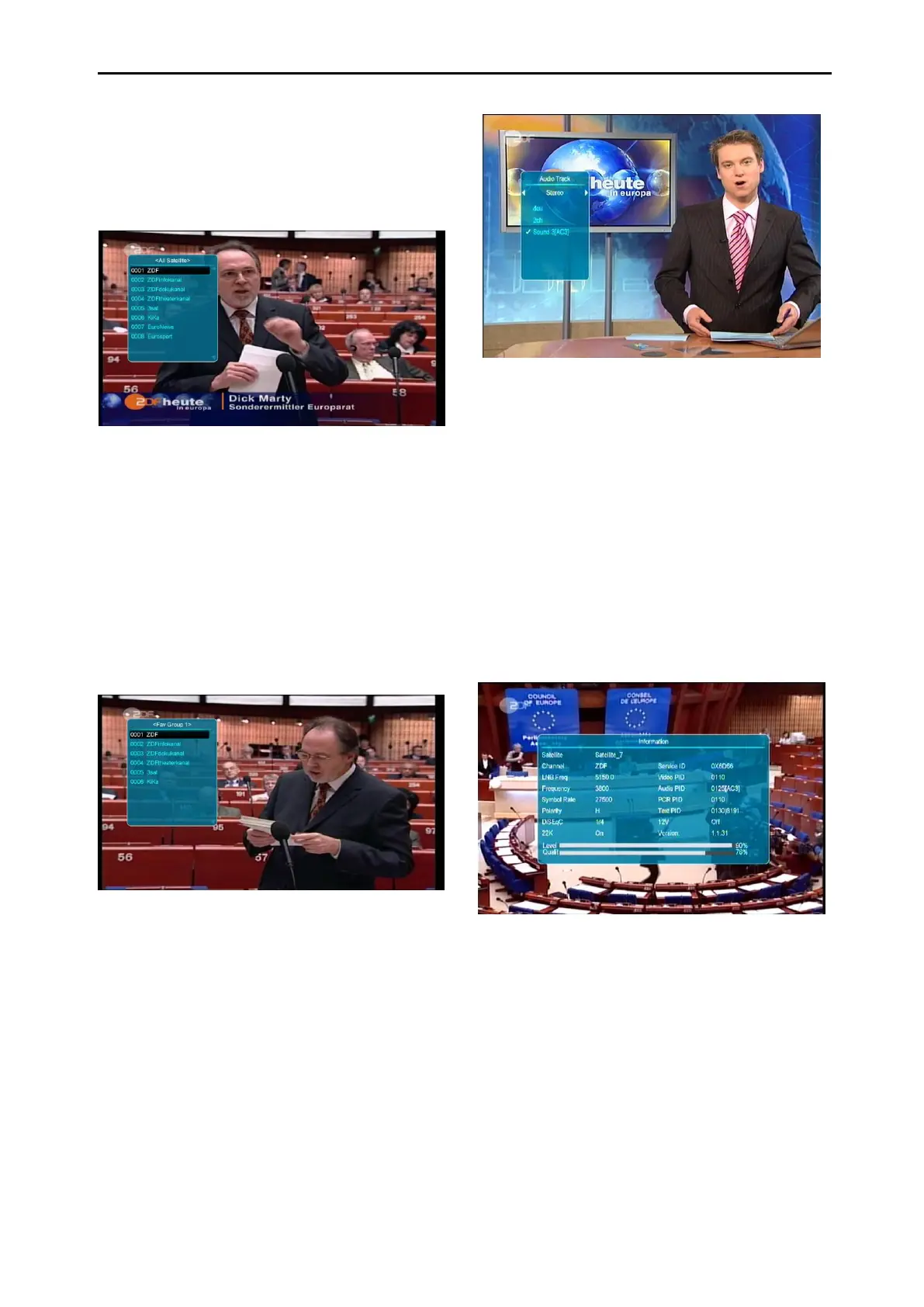
8.9 Favourite
1 In full screen, press [FAV] key, it will display
a window of “Favourite list” on the left of the
screen, which you can see like below.
2 In the window of “Favourite list ", you can
move highlight by press [Channel
Up/Channel Down] key to select favourite
Channels.
3 In the window of ” Favourite list ", you can
press [Left/Right] key to select favourite
groups Pressing [P-/P+] keys can
implement the “Page up/Page down”
function
4 Press [Exit] key to exit the current window.
Frequently Asked Question
Q: Why the screen displays “No Favourite
Channel”, after pressing [Favourite] key?
A: It is because that you haven’t set any
channels as “Favourite Channel”. Please
refer to Favourite
.
8.10 Audio
1 In full screen, press [AUDIO] key to open
the “Audio” window on the screen.
2 You can modify the audio track by pressing
[Channel Up / Channel Down] key and
modify the audio mode by pressing
[Volume Up / Volume Down] key.
3 Mode: Left/Right/Stereo/Mono
8.11 Information
In full screen, press [INFO] key (press [INFO]
key and [RED] key) to open information screen;
the window shows the parameters of current
channel.
8.12 EPG (Where Available)
1 The STB has an Electronic Programme
Guide (EPG) to help you navigate channels
through all the possible viewing options.
The EPG supplies information such as
channel listing and start and end times for
all available channels.
Press [EPG] key to display EPG screen.



 To Next Page