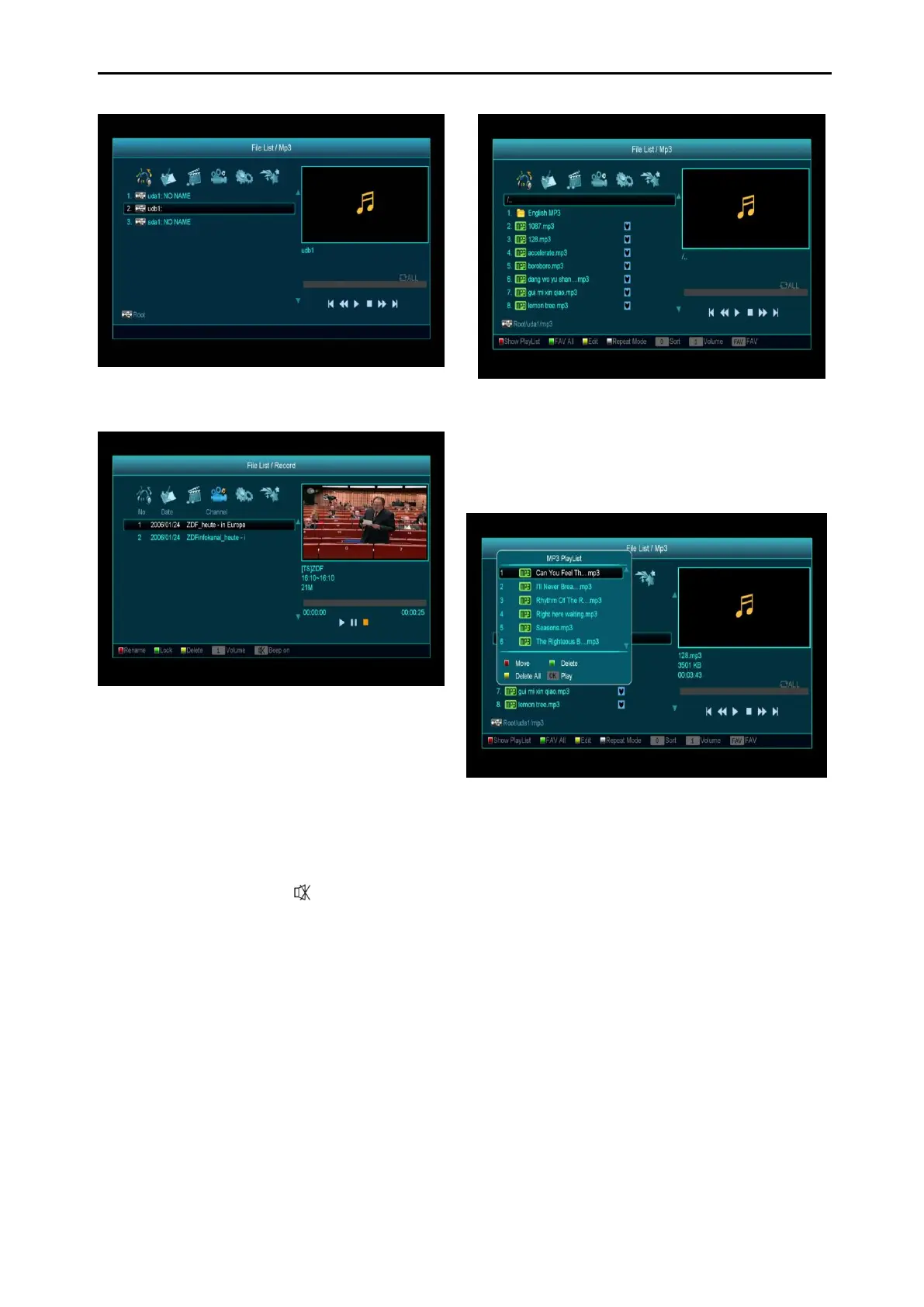
14.1.1 Record Files
In this menu you can playback the recorded
files, or you can press [Red] key to rename the
file, or press [Green] key to lock the file, or press
[Yellow] key to delete the file.
You can press [1] key to adjust the volume while
you preview the record file on top of the right
corner .and you can press to enable or
disable the audio.
14.1.2 MP3 Files
In this menu you can select the MP3 file to play
by pressing [OK] key or [PLAY] key. Also you
can setting the play list.
[Red] key: Shows play list as the picture below:
Red Key:
Move the selected file by pressing Red key and
[UP] [DOWN] key.
Green Key:
Delete the selected file by pressing Green key.
Yellow Key:
Delete all files using Yellow Key, you will need to
confirm “Delete All” before continuing, if you
select “Yes”, all files will be deleted, and close
the Play list window.
Press OK button to play file.
[Green] key:



 To Next Page