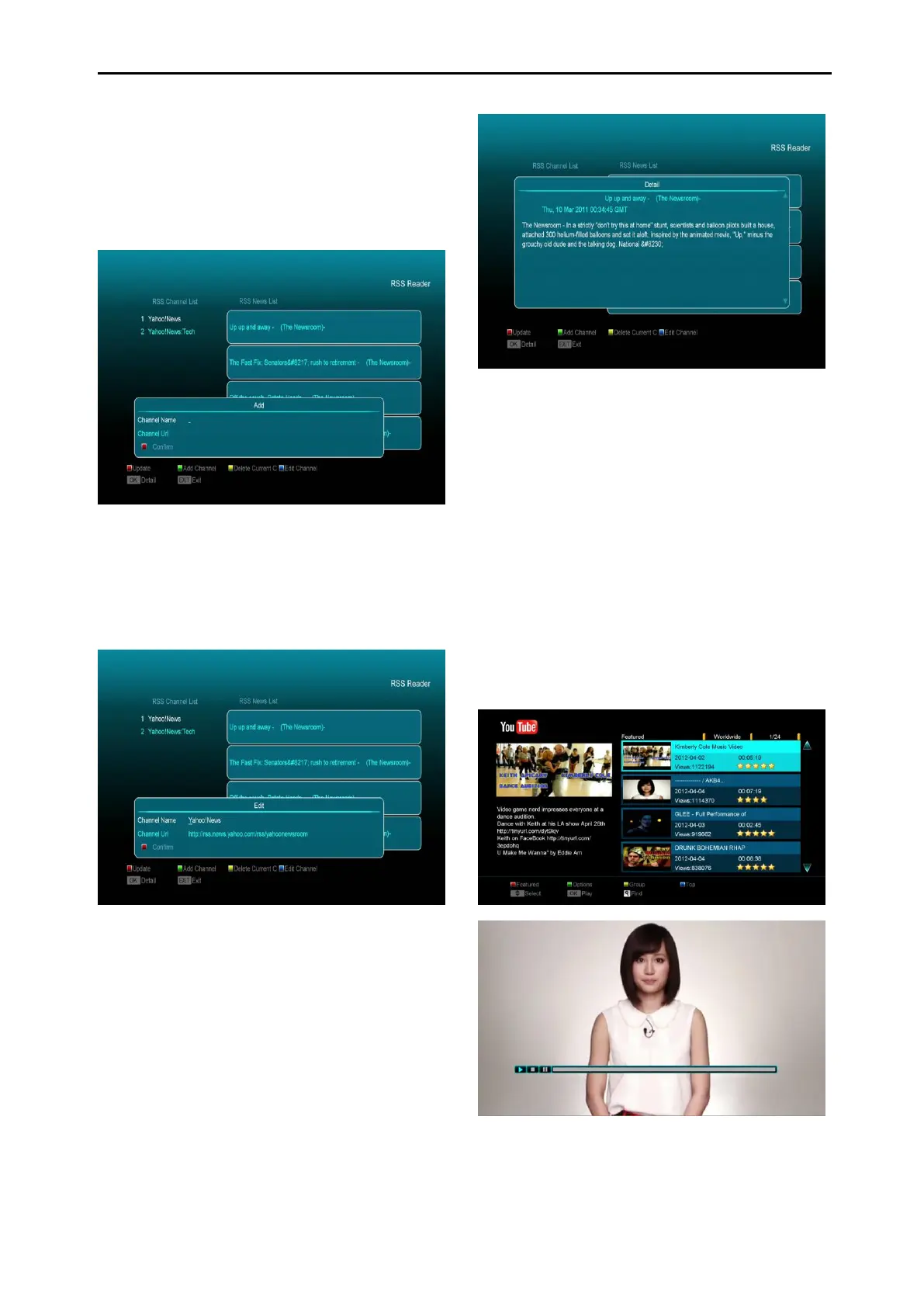
In this menu you can see the news
Red key
To update the news to the latest.
Green key
To add new channels. You can input a new
website using this menu. You can add up to 10
channels.
Yellow key
To delete current channel.
Blue key
To edit current channel information. You can
edit channel name and channel Url.
Press ok button to see the detailed information
like the below.
15.7 WiFi Manager
Insert WiFi equipment first, then search
available Enter net signal, input the password to
connect with network.
15.8 Net Media
YouTube
This menu has some internet applications.
"YouTube" can play streamed media from
"www.youtube.com". When you enter this
menu, you will see a screen like below:
1. Press [up/down] key to move highlight.
2. Press [ENTER] key on one item, it will
play selected video. The video will show in



 To Next Page