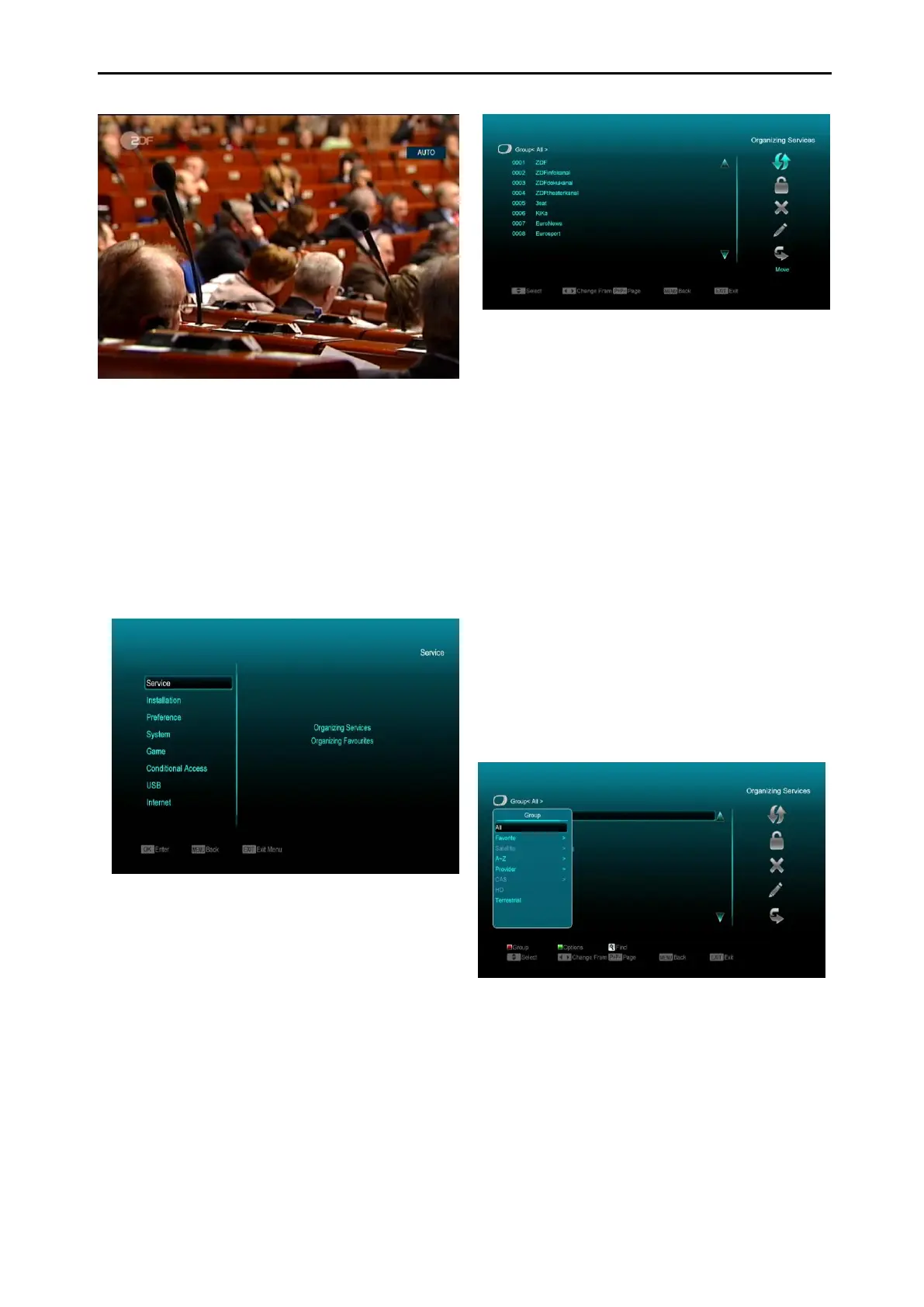
8.24 Exit
Press [EXIT] key to exit the current menu, to
return to last menu, or close the window.
9. Service
When you press [Menu] key to enter menu,
there will display the picture like below:
Press [Up/Down] key to select the
submenu of organizing services and
organizing favourites.
Press [OK] key to enter the “Organizing
Service”. If Menu Lock is “On”, it will display
a dialogue for user to key in password. The
default Password is “0000”.
Press [Menu] key to go back to main menu.
9.1 Organizing Services
When you enter “Organizing Services” menu,
you will see a screen like below.
1. You can move highlight by pressing
[Channel Up/Channel Down] key and [OK]
key to select the programmes which you
want to edit.
2. You can press [Page Up/Page Down] key
to implement the Page Up/Page Down
function.
3. You can use [Red] key to switch to a
different Group.
4. You can press [Green] key to select the
programmes by a different mode.
5. Pressing a colour key can implement the
corresponding function in “Organizing
Services”.
Groups
1 Press [Red] key to open the “Groups” window
like above
2 You can press [Up/Down] key to move
highlight and press [OK] key to select group.
3 Press [Menu] key to close “Groups” List.
Options



 To Next Page