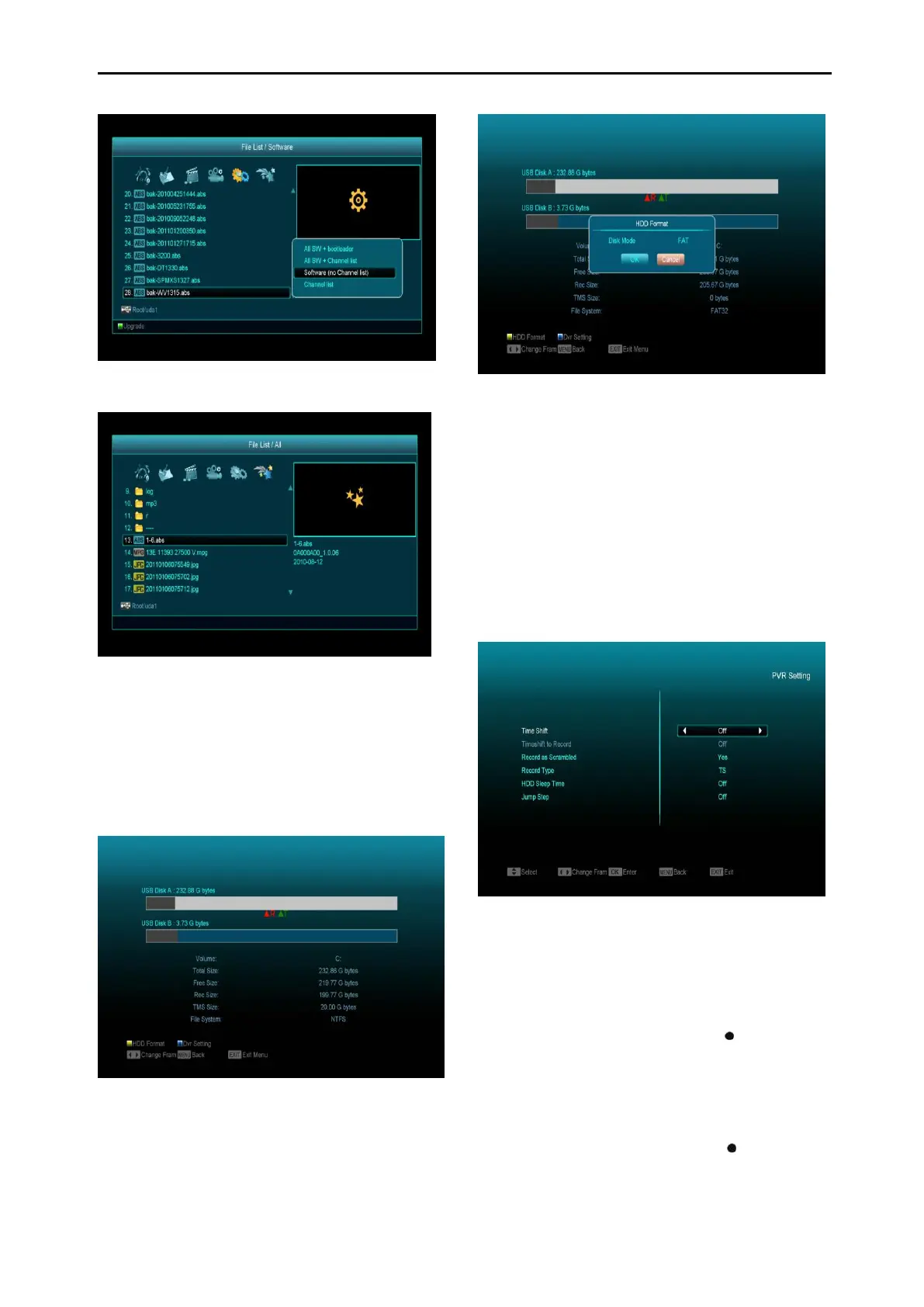
14.1.6All
You can preview all files in this menu.
14.2 Storage Information
Press "OK" button to enter the HDD Information
menu like the below picture, in this menu you
can see the detailed information about the HDD.
If you want to format the HDD, press "yellow"
button to enter Format menu, then select the
File System between the "FAT" and the "NTFS",
Press "OK" Button to confirm.
Note: If you format the HDD, all files including
MP3, JPEG and any recorded files will be
deleted from the HDD.
If you want change the path for recording files
and timeshift files, press “blue” button to enter
the DVR Setting menu, then press OK button to
set the path on currently selected disc.
14.3 PVR Setting
1 Time Shift:
ON: Enable the Time Shift function.
OFF: Disable the Time Shift function.
2 Timeshift to Record
ON: Means when you press the " " Button to
record the programme; it will merge the
Timeshift files and the recorded files.
OFF: Means when you record the programme, it
starts recording when you press " " button, it
does not include the Timeshift files.
3 Record Type



 To Next Page