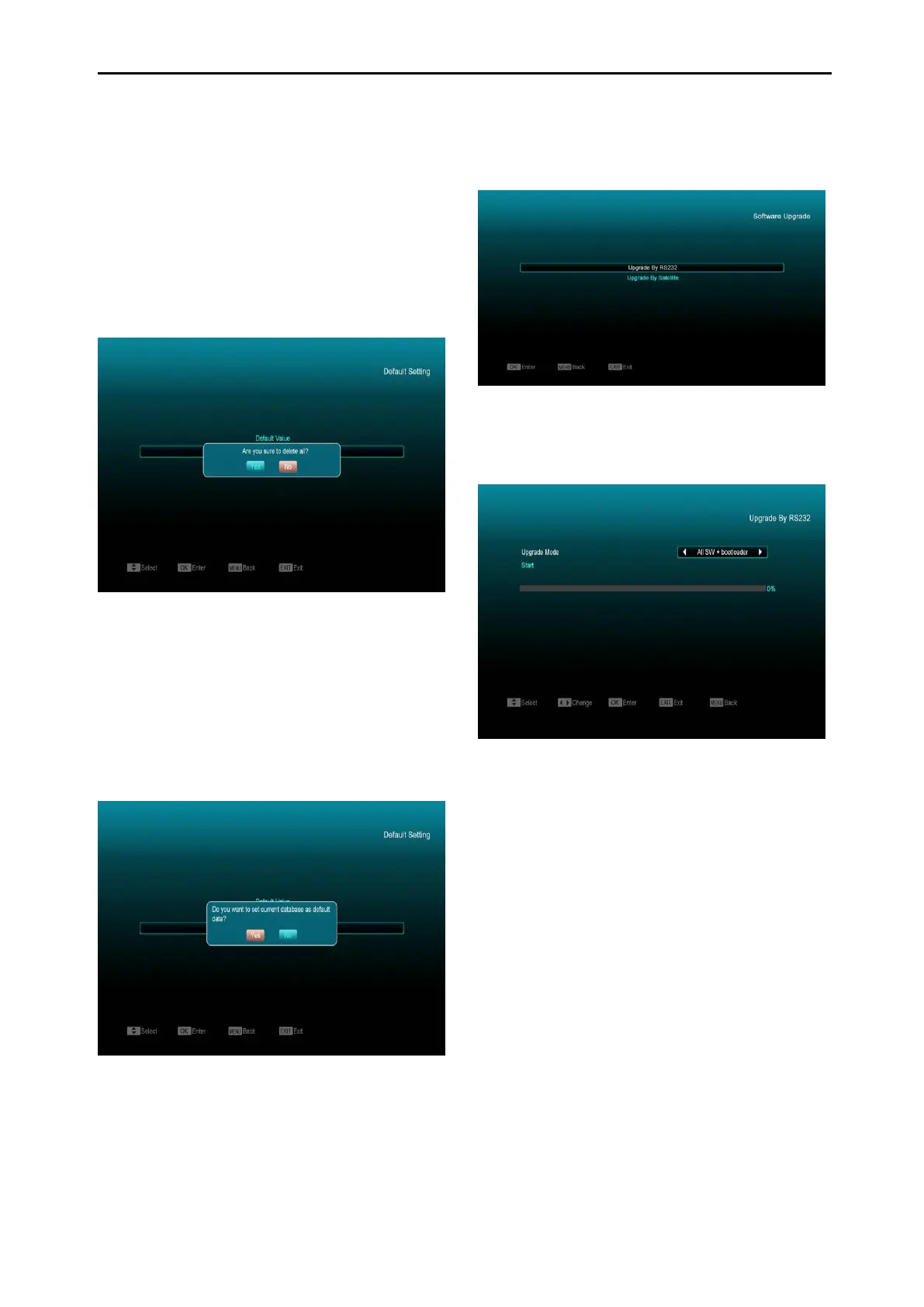
3 If you select “YES” option, the all revised
parameters of the receiver will reset to
default values. Please be certain when
using this option.
4 In step 1 and step 2, press [Exit] key to
return from this item without saving.
12.2.2 Delete All Channels:
When you press [OK] key in the “Delete All
Channels” item, it will display a message asking
you to confirm deleting all channels. If you select
“YES”, all channels will be deleted.
12.2.3 Save default value
When you press [OK] key in the “Save default
value” item, a message is displayed “Do you
want to set current database as default data?".If
you select “YES” option, it will to set current data
as default data.
12.3 Software Upgrade
Upgrade by RS232:
1 We offer the functions for user to connect
receiver (Master) to another receiver
(Slave) via serial interface.
Connect master receiver to slave receiver
via serial interface. Enter “Software
Upgrade” menu in master receiver and
press[Volume Up/Volume Down]keys to
switch upgrade mode: All SW+bootloader
/All SW+Channel list/Software(no channel
list)/Channel list.
2 Move highlight to “Start” on master
receiver and press[OK]key to start upgrade.
3 Turn on slave receiver.
4 Press [Exit]key to return.
Upgrade By Satellite:



 To Next Page