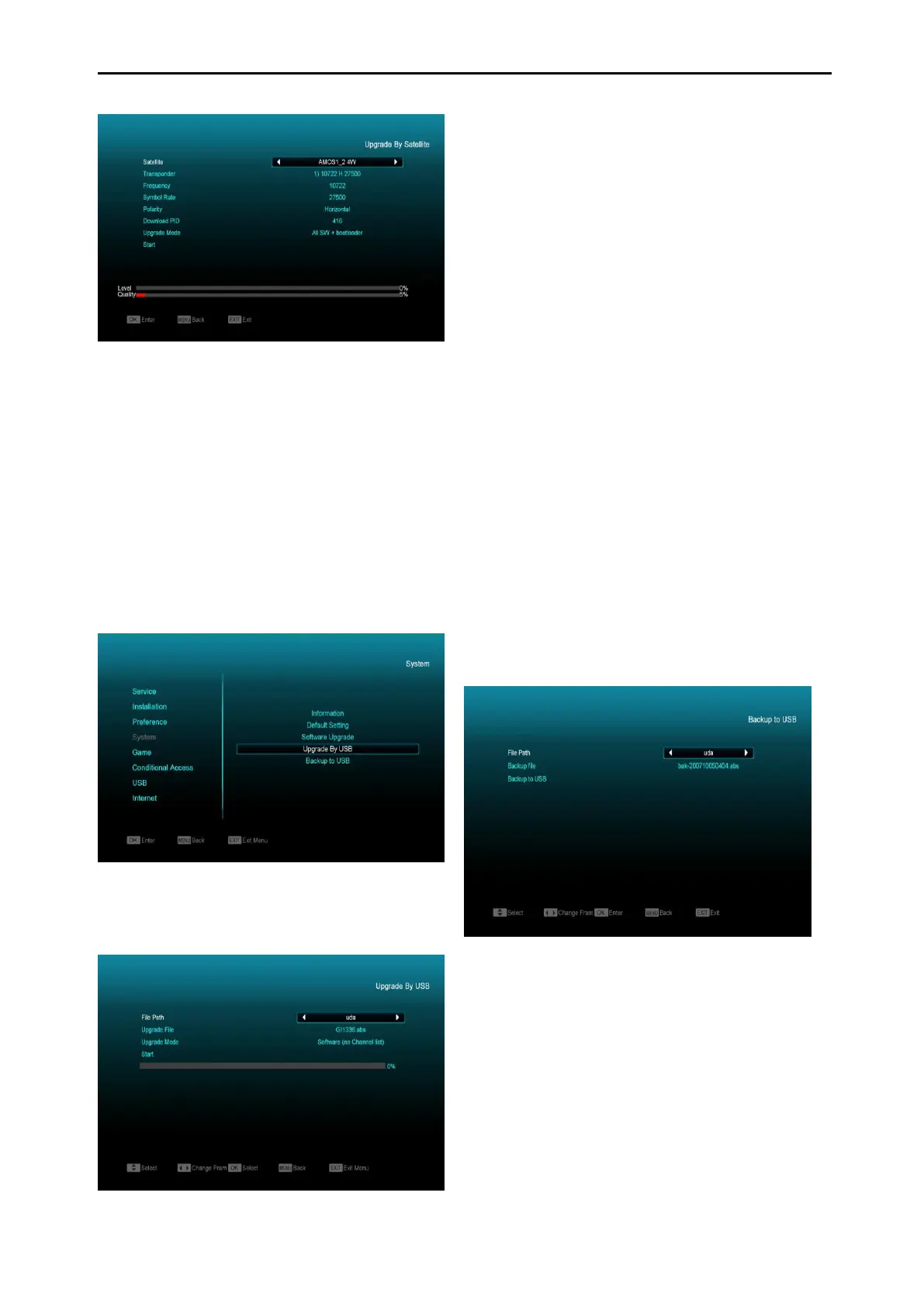
This function can upgrade the software through
signal lines from the satellite (when available).
1 Select the satellite and TP or input the TP
value and download PID, these parameters
you can get from your provider.
2 Then highlight the start button and press
[OK] button to start upgrade.
12.4 Upgrade By USB
In this menu you can upgrade the software from
USB. Press “Left/Right” button select USB A or
USB B; press ' OK ' button to enter.
In this menu you can select the Upgrade Mode
among Software(No channel list), Channel list,
All SW+bootloader and All SW+Channel list,
and you can select the appropriate upgrade file
on "Upgrade File" item. After you select the
"Upgrade Mode" and "Upgrade File", press ' OK
' button on "Start" item, the receiver can upgrade
automatically.
Note:
You must put the upgrade file in the /ROOT
DIRECTORY of the USB storage.
12.5 Backup to USB
In this menu ,you can dump the software to the
USB equipment
1 In "Backup file",you can press [OK] key to
edit the file name.; Press “Left/Right” button
select USB A or USB B;
2 In "Backup to USB", you can press [OK] to
start backup software .
13. Conditional Access
13.1 CA Setting
We provide a CA slot for user to use. Receiver
has built in smart card module with CONAX
system. By using cards in this system provided
by operators, it is possible to watch many
scrambled channels coded in this system. This



 To Next Page