When connected to the Internet, receiver can
software update from FTP server.
Note:
This function depends on connection with
external server. In case of no software on
server, this function will not work.
15.4 FTP
When connected to the Internet, receiver can
download some files, such as software, MP3 or
Image files from FTP server.
Note:
This function depends on connection with
external server. In case of no files on server, this
function will not work.
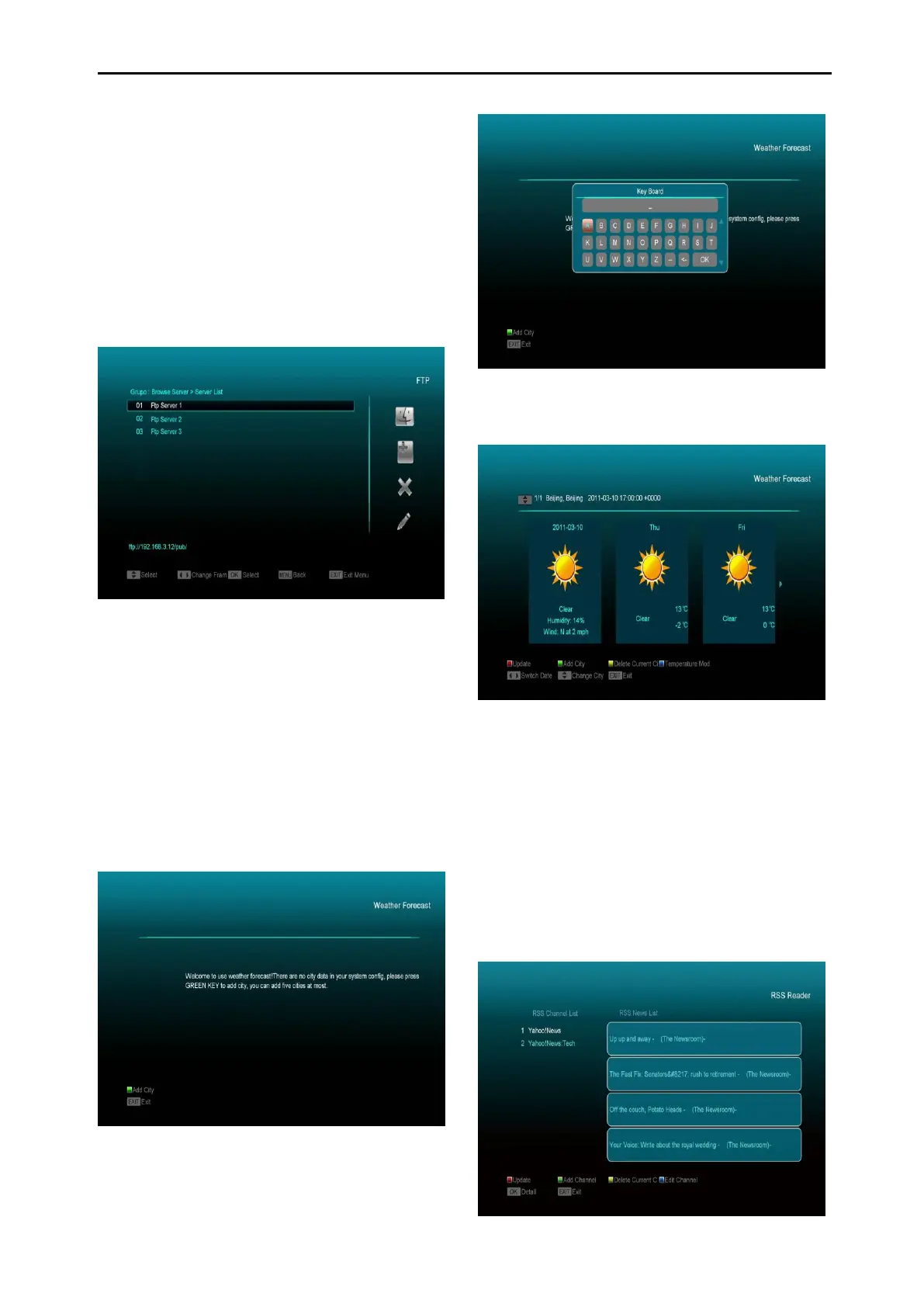
15.5 Weather Forecast
In this menu you can see the weather forecast,
press [Green] key to add city.
Red key
To update the weather forecast to the latest.
Green key
To add new city. Using this menu you can add
up to 5 cities.
Yellow key
To delete current city.
Blue key
To switch other temperature mode.
15.6 RSS Reader



 To Next Page