b) Move highlight to “Start” and press [OK]
key to start the game.
c) Move highlight to[Cancel]keys and
press [OK] key to exit from the game.
d) Playing the game:
[Volume Up/Volume Down/Channel
UP/Channel Down] use these arrow
keys to guide the snake.
[OK] Pause/Play game
[Exit] Quit game and return to “Game”
menu.
16.3 Othello
a) Move highlight to “Setup” and press
[Volume Up/Volume Down] keys to select
the game level (degree of difficulty).
b) Move highlight to “Start” and press [OK]
key to start the game.
c) Move highlight to [Cancel] keys and
press [OK] key to exit from the game.
d) Playing the game:
[Volume Up/Volume Down/Channel
UP/Channel Down] use these arrow
keys to guide chessman.
[OK] set chessman.
[Exit] Quit game and return to “Game”
menu.
17. New Features
17.1 Equalizer
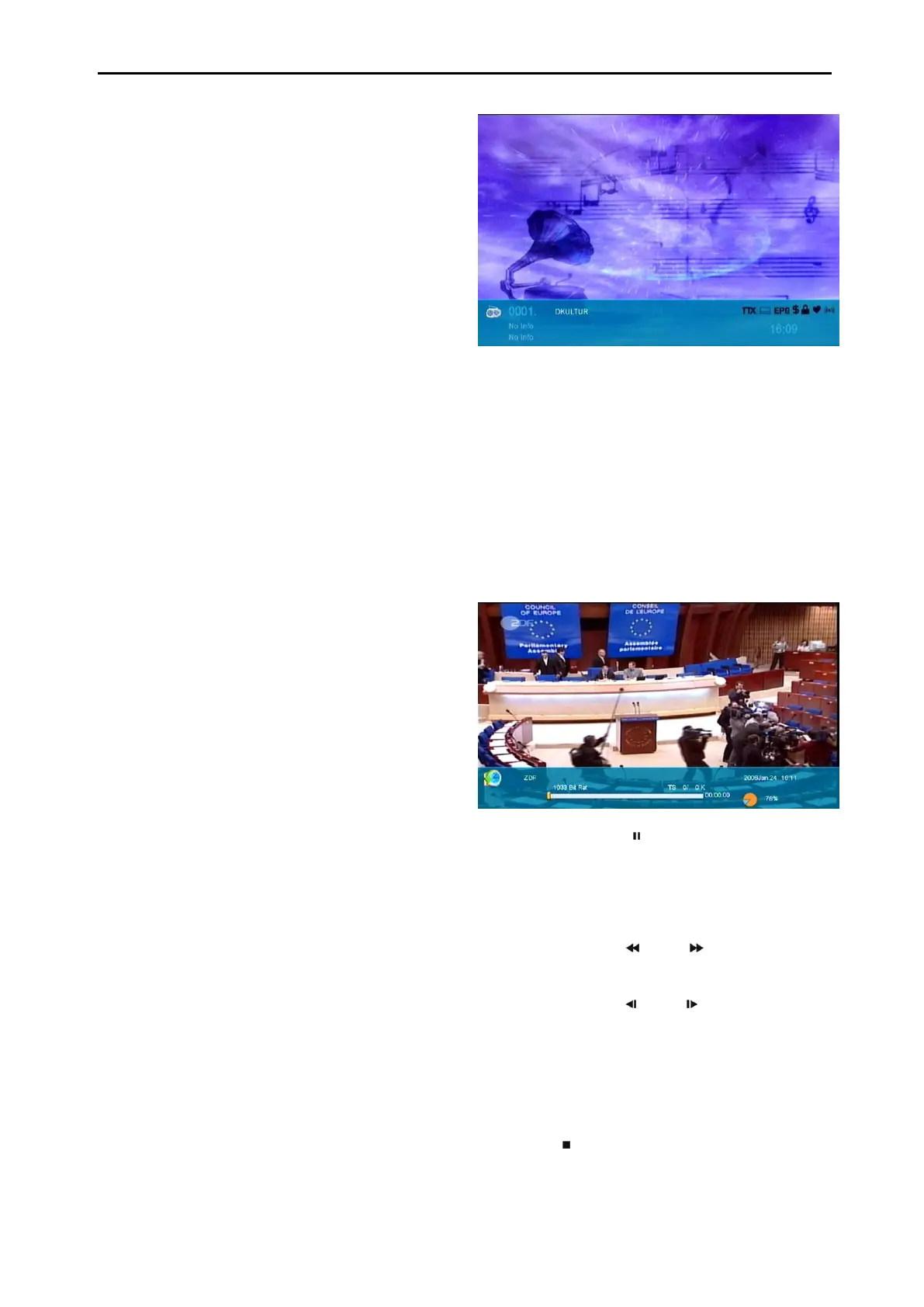
When you listen the Radio programme, it will
display the music spectrum graphic on TV
Screen.
17.2 Time Shift
If you connect the USB HDD, and enable the
Time Shift function in the menu "Main Menu/
Record/ PVR Setting/Time Shift",
It will start the Time Shift function automatically
when you change the channel, and when you
press the "Tms" button the Time Shift info bar
will displayed like the following picture:
1 You can press " " button to pause the
video, and can save the picture to flash by
press “P+ " button when the video is
paused.
2 You can press " " or " " button to Fast
Backward or Fast Forward.
3 You can press " " or " " button to Slow
Backward or Slow Forward.
4 Press “left" or "right" button to jump to
different position, then press "OK" button to
confirm.
5 Press " " button to exit the playback.



 To Next Page