55
6
FUNCTIONS FOR TRANSMIT
2001 NEW 2001 NEW
■ Break-in function
The break-in function is used in CW mode to automat-
ically toggle the transceiver between transmit and re-
ceive when keying. The IC-7400 is capable for full
break-in or semi break-in.
DD
Semi break-in operation
During semi break-in operation, the transceiver selects
transmit when keying, then automatically returns to re-
ceive after a pre-set time from when you stop keying.
q Push [CW/RTTY] to select CW or CW-R mode.
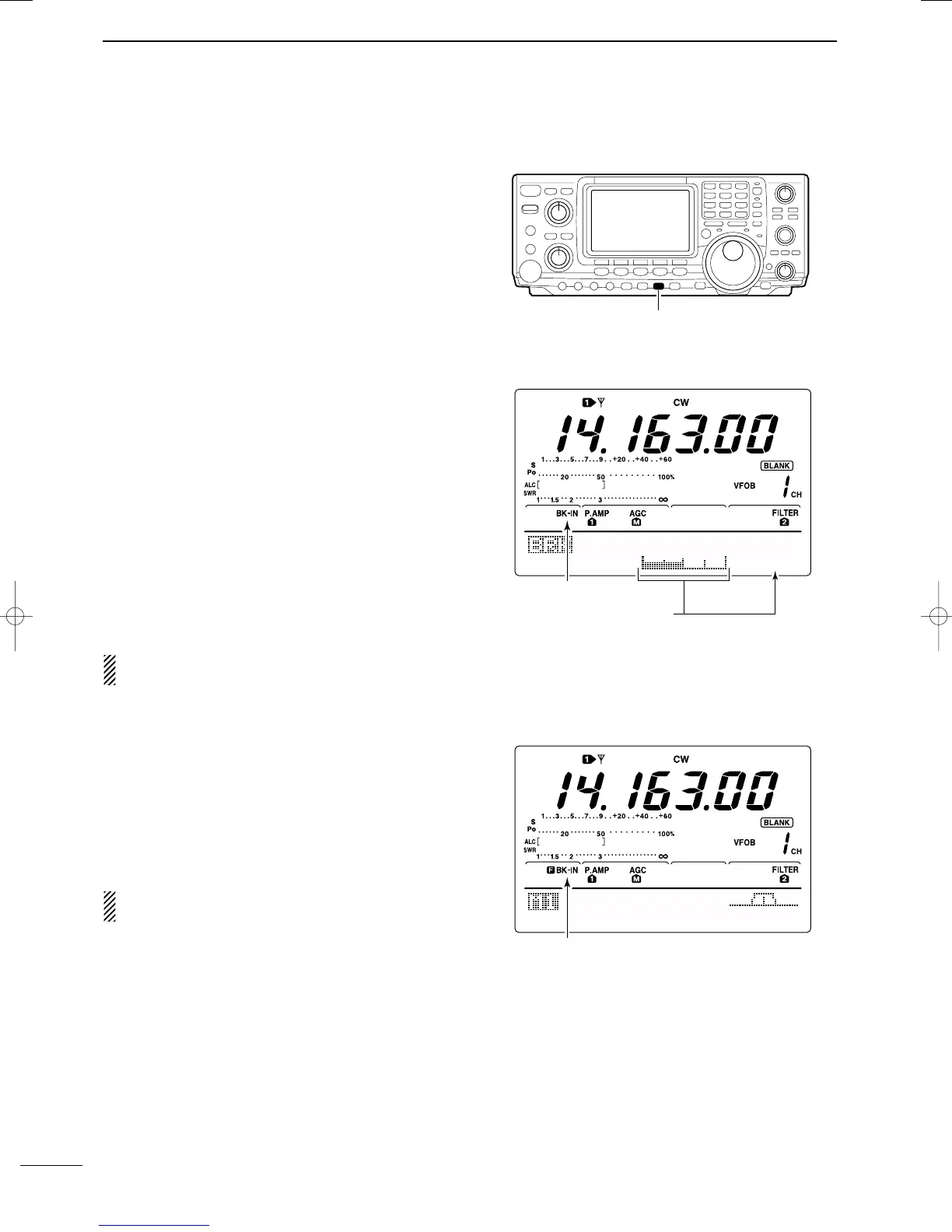
w Push [VOX/BK-IN] several times to turn the semi
break-in function ON.
•“BK-IN” appears.
e Set the break-in delay time (the delay from transmit
to receive).
➥ Push [VOX/BK-IN] for 1 sec. to select break-in
delay program mode.
➥ Rotate the tuning dial to select the desired delay.
• Push [F3] for 1 sec. to select to the default value.
r Push [MENU] to return to the previous menu.
When using a paddle, rotate [KEY SPEED] to adjust
the keying speed.
DD
Full break-in operation
During full break-in operation, the transceiver automati-
cally selects transmit while keying and returns to receive
immediately after keying is finished.
q Push [CW/RTTY] to select CW or CW-R mode.
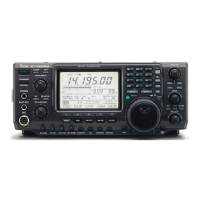
w Push [VOX/BK-IN] several times to turn the full
break-in function ON.
•“FBK-IN” appears.
When using a paddle, rotate [KEY SPEED] to adjust
the keying speed.
Break-IN
Delay
Break-in indicator
Shows break-in delay time
7.5d
AGC
DUP
1/4
KEY
SCP
Full break-in indicator
IC-7400.qxd 02.4.2 11:35 Page 55



 To Next Page