16
6
DSC OPERATION
New2001
t Push [Y] or [Z] to set up to a 10-character ID name.
• Push [CH•DUAL] or [16•C] to move the cursor forward or back-
ward, respectively.
• Push [CLR] to cancel and exit the condition.
y Push [ENT] to program and returns to the normal opera-
tion.
D Deleting Group ID
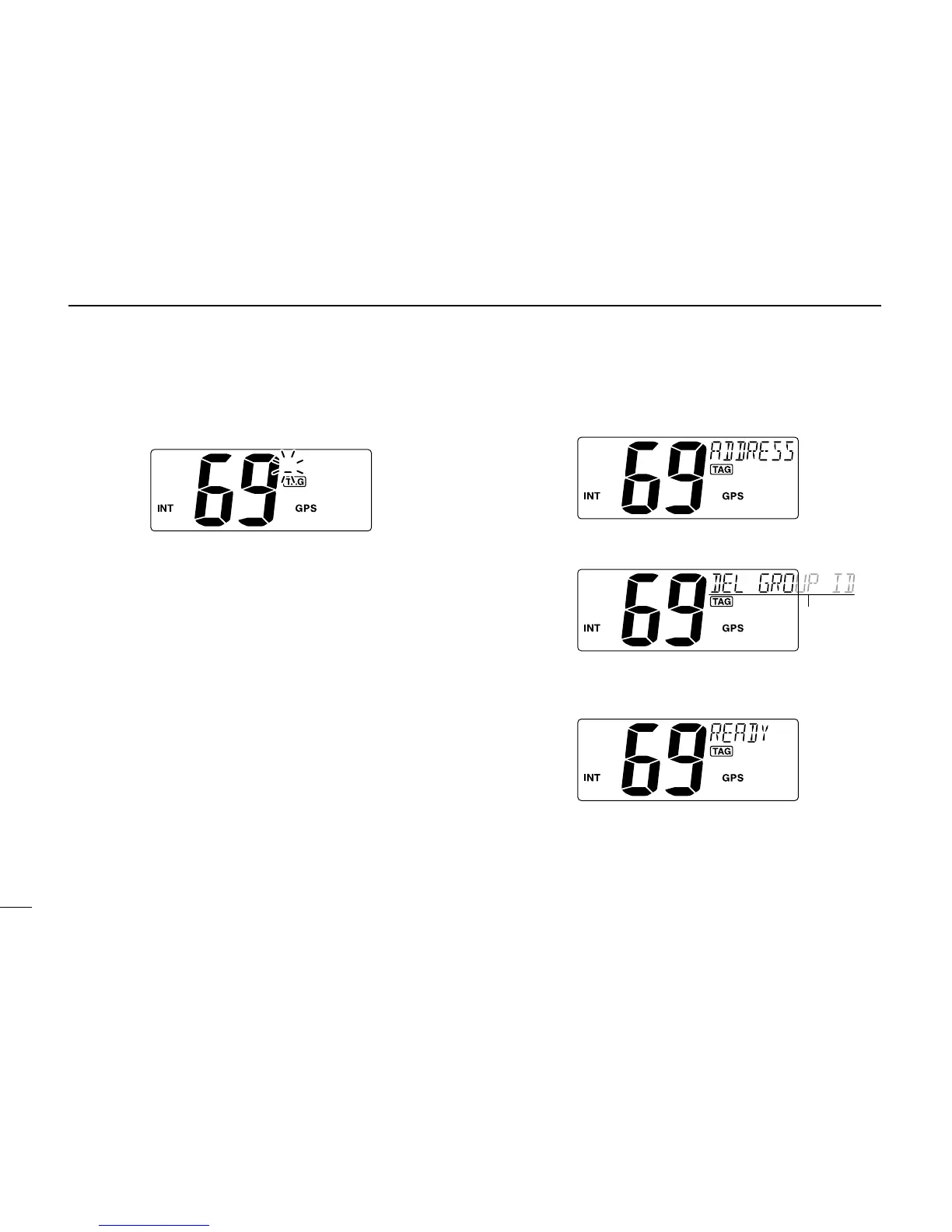
q Push [MENU] to enter the DSC menu.
w Push [Y] or [Z] to select “ADDRESS,” and push [ENT].
e Push [Y] or [Z] to select “DEL GROUP ID,” push [ENT].
• When no group ID is programmed, “NO ID” is displayed.
r Push [Y] or [Z] to select the desired ID name for delet-
ing and push
[ENT].
• “READY” appears.
t Push [ENT] to delete the selected group ID and returns
to the normal operation.



 To Next Page