44
8
CONNECTIONS AND MAINTENANCE
New2001
n Mounting the transceiver
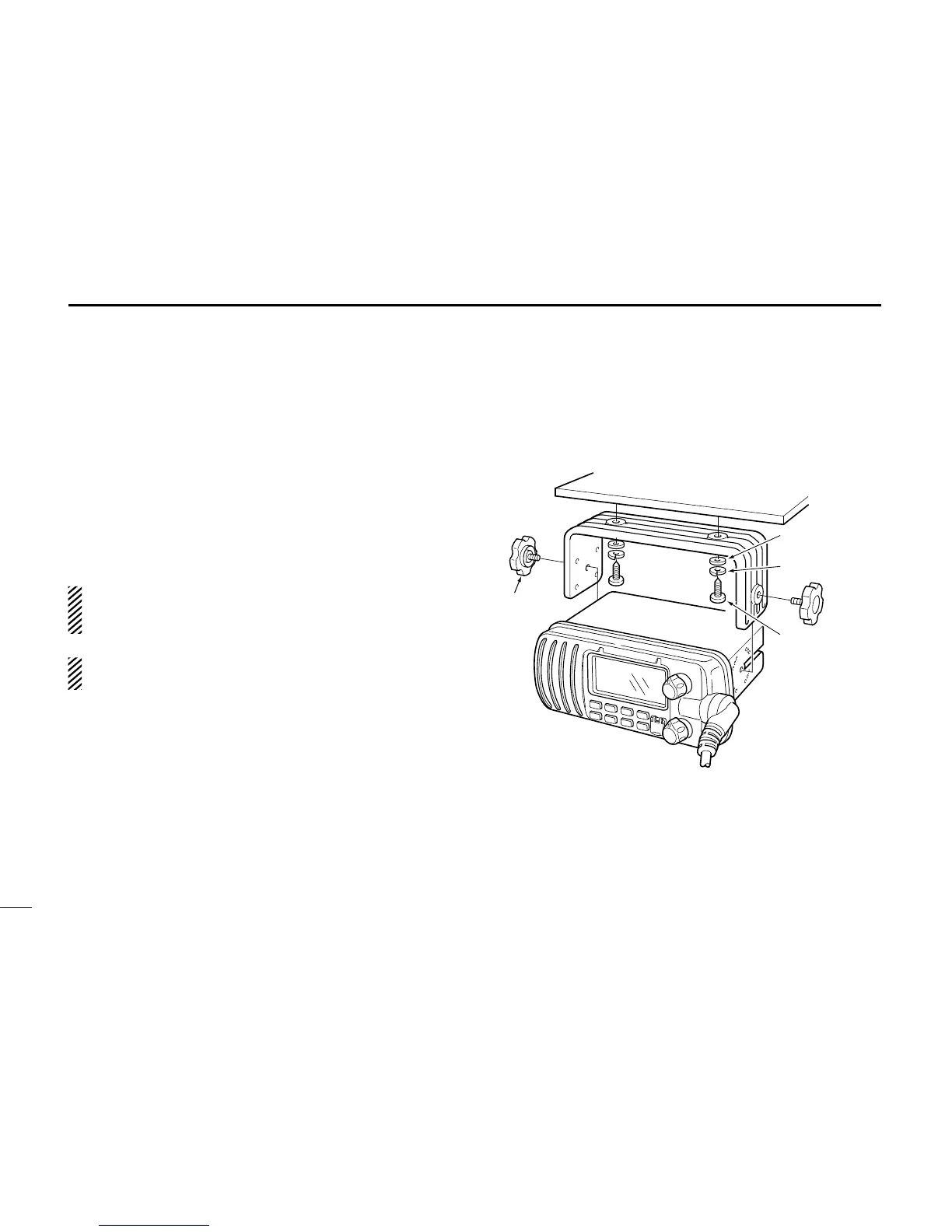
D Using the supplied mounting bracket
The universal mounting bracket supplied with your trans-
ceiver allows overhead or dashboard mounting.
• Mount the transceiver securely with the 2 supplied screws
(5 × 20) to a surface which is more than 10 mm thick and
can support more than 5 kg.
• Mount the transceiver so that the face of the transceiver is
at 90° to your line of sight when operating it.
CAUTION: KEEP the transceiver and microphone at least
1 meter away from your vessel’s magnetic navigation
compass.
NOTE: Check the installation angle; the function display
may not be easy-to-read at some angles.



 To Next Page