37
6
DSC OPERATION
New2001
1
2
3
4
5
6
7
8
9
10
11
12
13
14
15
16
t The message information scrolls.
• The stored message has various information.
• Push [CLR] to exit the condition.
• Push and hold [CLR] for 1 sec. to delete the displayed mes-
sage and returns to DSC menu.
D Other messages
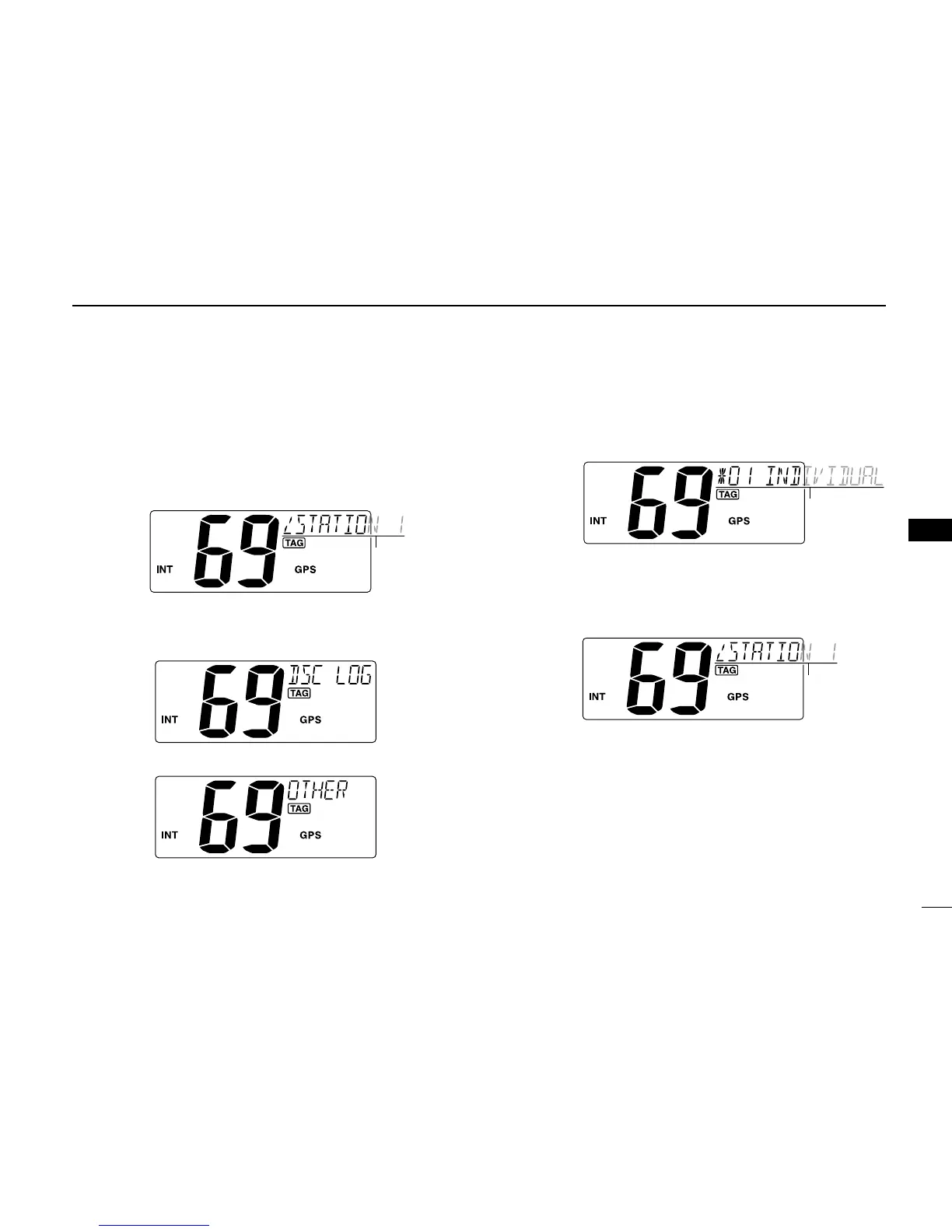
q Push [MENU] to enter the DSC menu.
w Push [s] or [t] to select “DSC LOG,” and push [ENT].
e Push [s] or [t] to select “OTHER,” push [ENT].
r
Push [s] or [t] to select the desired message, push [ENT].
• “M” appears when the unread messages is selected.
t The message information scrolls.
• The stored message has various information.
• Push [CLR] to exit the condition.
• Push and hold [CLR] for 1 sec. to delete the displayed mes-
sage and returns to DSC menu.



 To Next Page