26
2.6. Rear Stacker (Option)
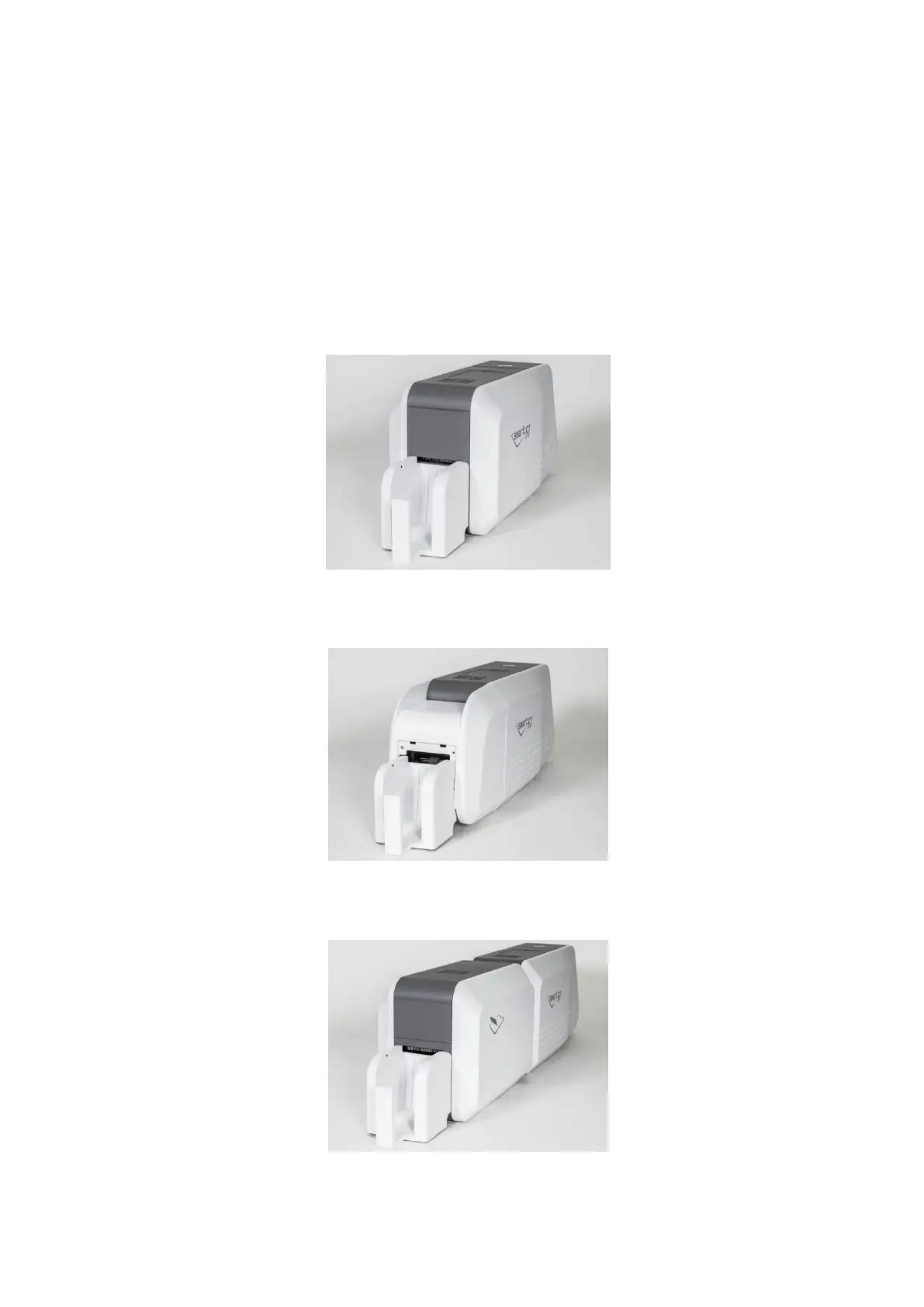
SMART-51 can install a rear stacker for option at the back of the printer. In case of SMART-
51S and SMART-51L, please install into the slots at the backside. In case of SMART-51D,
please open the back cover of the printer and install it.
After that, set the value of ‘Card Out’ to ‘Back’ in the CardPrinterConfig Program.
In case of SMART-51 Dual, set the value of ‘Flipper Cover Open’ to ‘Ignore’ in the
Configuration Program
Figure 33 SMART-51S installation of Rear Stacker
Figure 34 SMART-51D installation of Rear Stacker
Figure 35 SMART-51L installation of Rear Stacker



 To Next Page