57
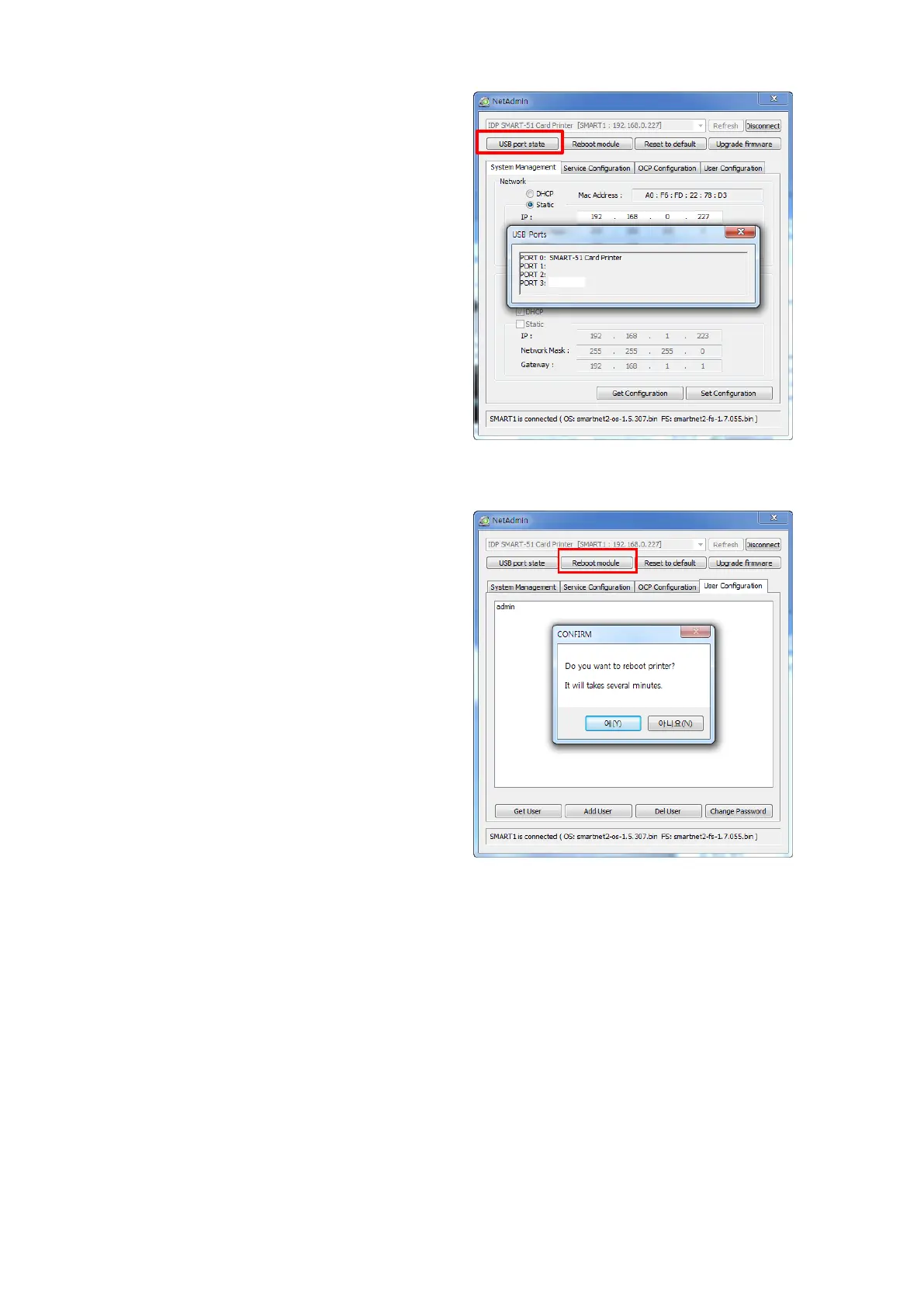
“USB port state” shows USB device
status connected on network
module.
Network module has 4 USB ports.
Network module supports PC/SC.
When you install the encoders that
support PC/SC on network module, you
can recognize the status of encoders.
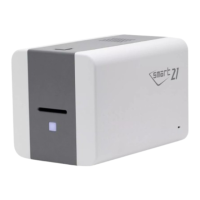
“Reboot module” reboots network
module.
Please click “Yes” when pop-up window
comes out for reboot.
It takes 1 minute to reboot.
Please click “Refresh” after reboot.
When proper printer shown, please
connect printer by clicking “Connect”.
Figure 79 Rebooting the network module



 To Next Page