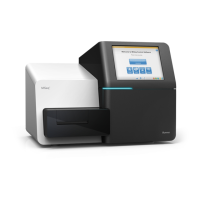
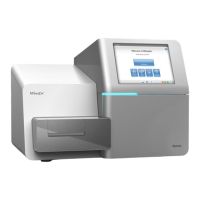
Load the Buffer Cartridge
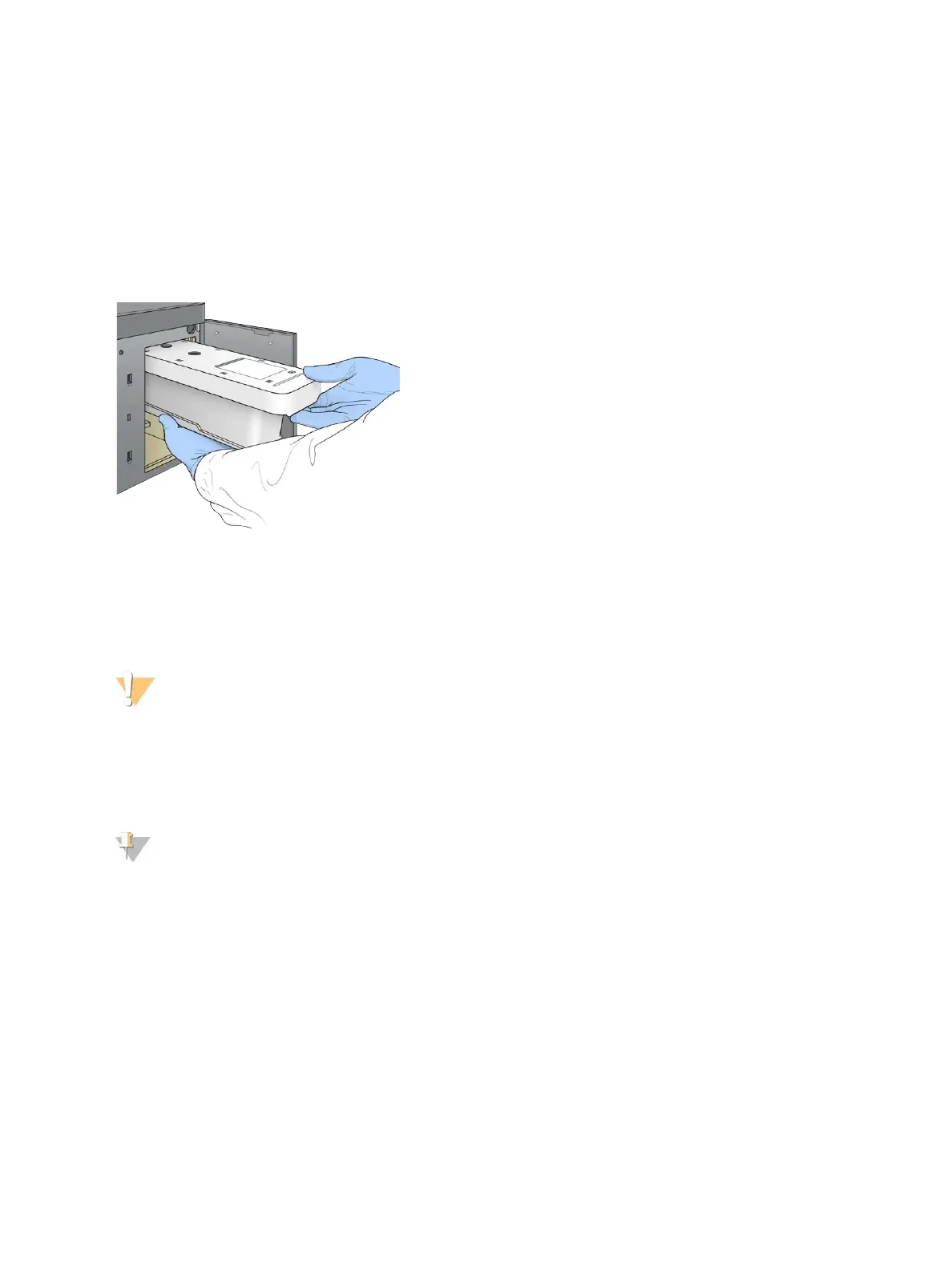
1 Remove the used buffer cartridge from the upper compartment.
2 Slide a new buffer cartridge into the buffer compartment until it stops.
An audible click indicates that the cartridge is in position, the buffer cartridge ID appears on the screen,
and the sensor is checked.
Figure 15 Load the Buffer Cartridge
3 Close the buffer compartment door, and select Next.
Load the Reagent Cartridge
1 Remove the used reagent cartridge from the reagent compartment. Dispose of unused contents in
accordance with applicable standards.
WARNING
This set of reagents contains potentially hazardous chemicals. Personal injury can occur through
inhalation, ingestion, skin contact, and eye contact. Wear protective equipment, including eye
protection, gloves, and laboratory coat appropriate for risk of exposure. Handle used reagents as
chemical waste and discard in accordance with applicable regional, national, and local laws and
regulations. For additional environmental, health, and safety information, see the SDS at
support.illumina.com/sds.html.
NOTE
To facilitate safe disposal of unused reagent, the reservoir in position 6 is removable. For more
information, see
Remove Used Reservoir from Position #6
on page 19.
2 Slide the reagent cartridge into the reagent compartment until the cartridge stops, and then close the
reagent compartment door.
Document # 15046563 v04
For Research Use Only. Not for use in diagnostic procedures.
18
NextSeq 500 System Guide


 To Next Page