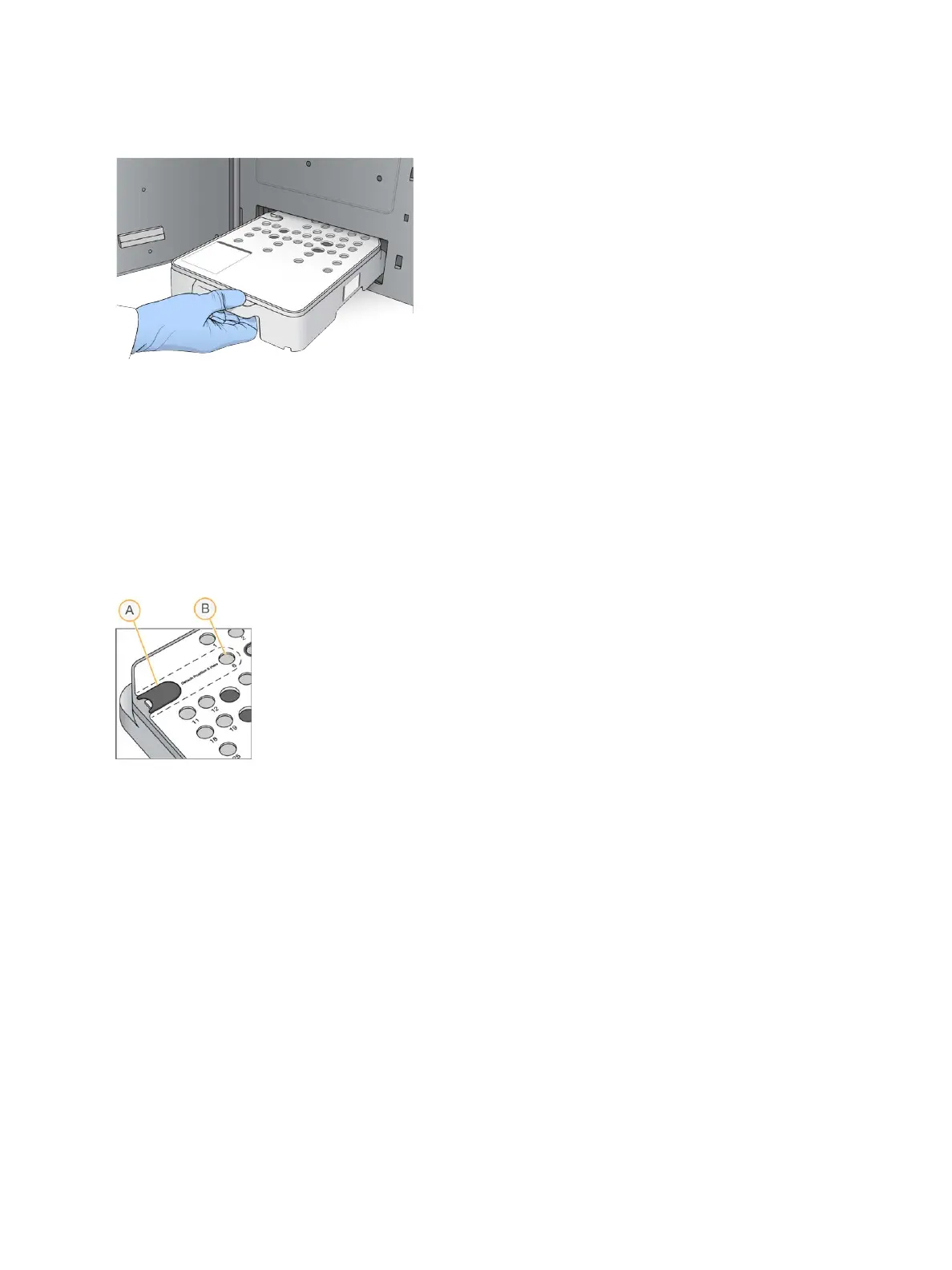
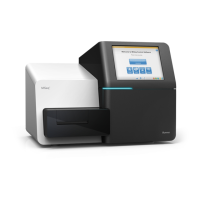
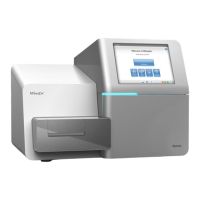
Figure 16 Load Reagent Cartridge
3 Select Load.
The software moves the cartridge into position automatically (~30 seconds), the reagent cartridge ID
appears on the screen, and the sensors are checked.
4 Select Next.
Remove Used Reservoir from Position #6
1 After you have removed the
used
reagent cartridge from the instrument, remove the protective rubber
cover over the slot next to position #6.
Figure 17 Removable Position #6
A Protective rubber cover
B Position #6
2 Press down on the clear plastic tab and push towards the left to eject the reservoir.
3 Dispose of the reservoir in accordance with applicable standards.
Specify Run Parameters
The steps on the Run Setup screen differ based on system configuration:
u BaseSpace or BaseSpace Onsite—The Run Setup screen lists runs that were set up using the
BaseSpace Prep tab. If the intended run does not appear on the Run Setup screen, make sure that the
run is marked for sequencing in BaseSpace.
u Standalone—The Run Setup screen includes fields for defining run parameters.
Select Available Run (BaseSpace Configuration)
1 Select a run name from the list of available runs.
Use the up and down arrows to scroll through the list or enter a run name in the Search field.
Document # 15046563 v04
For Research Use Only. Not for use in diagnostic procedures.
19
NextSeq 500 System Guide


 To Next Page