34
Fluid
Fluid
Explanation of Function
This function controls settings of fluid in the system to be measured and balanced. It is also possible to perform
any adjustments of fluid from the measuring menus when entering definitions, look for the
icon.
Regardless of which menu the fluid settings are performed from, they will have impact on all present activities in
TA-SCOPE at that moment.
Water is the most common fluid in hydronic systems but water with various additives can also be handled by
TA-SCOPE. Automatic viscosity correction is performed for all IMI TA valves.
Change Fluid
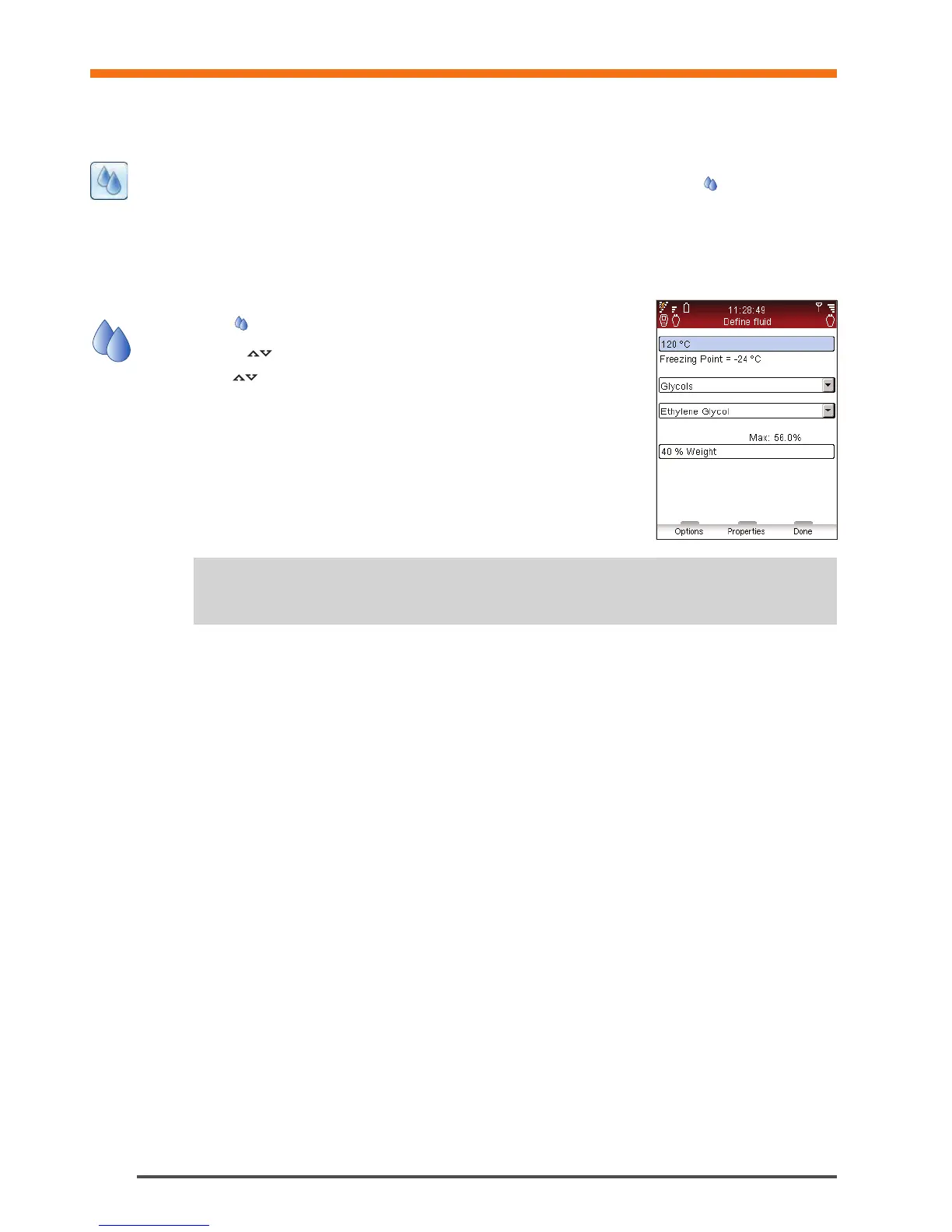
1 Select
from the main menu, press enter.
2 Navigate
to the second input field and expand by pressing enter.
3 Select
desired type of fluid by pressing enter. The most common types;
glycol, brine and alcohol are selectable from the drop down list.
4 For the option Any Other Fluid the density, viscosity and specific heat are to be
set. Press function key Properties and define the fluid.
5 For the fluids; Glycol, Brine and Alcohol also set the additive and the
concentration as a percentage.
6 The top-most input field is for fluid Temperature. Freezing point is stated.
7 When finished press function key Done.
Tips! The auto-correction function prevents entering a too high or too low value for temperature
and additive concentration.
!


 To Next Page