40
PC Communication
Transfer of Data
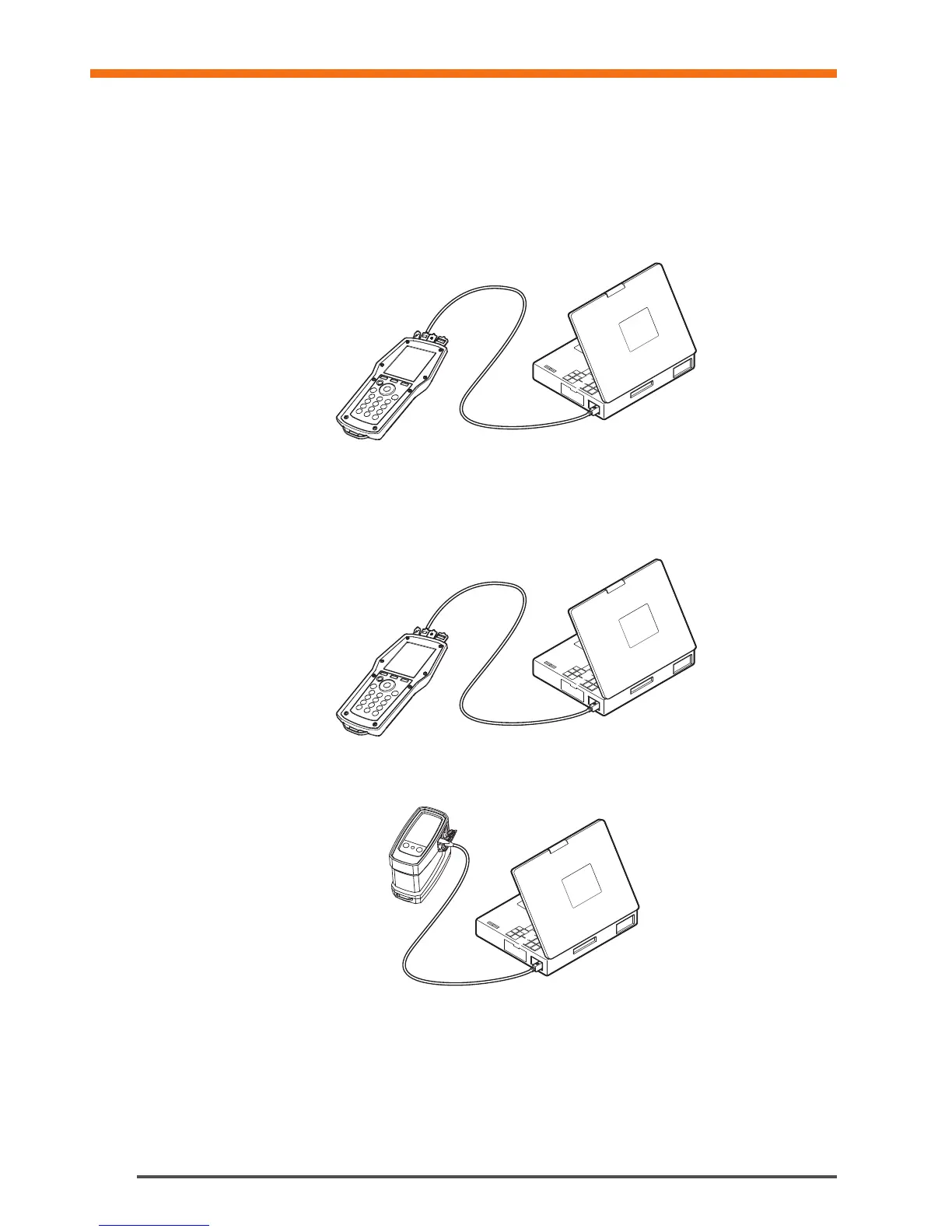
Connect TA-SCOPE to your PC to transfer data, e.g., hydronic networks and collected system information to and
from the HySelect software.
Use the USB-cable to connect the Handheld to a PC and the HySelect software will automatically connect to
TA-SCOPE. Simply follow the instructions on the PC.
Software Upgrade
When a new version of the TA-SCOPE software is available, HySelect will automatically suggest an upgrade.
Simply connect your Handheld and DpS-Visio as shown and follow the instructions on the PC.
PC Communication
1.
2.


 To Next Page