25
English
Display
Display
On
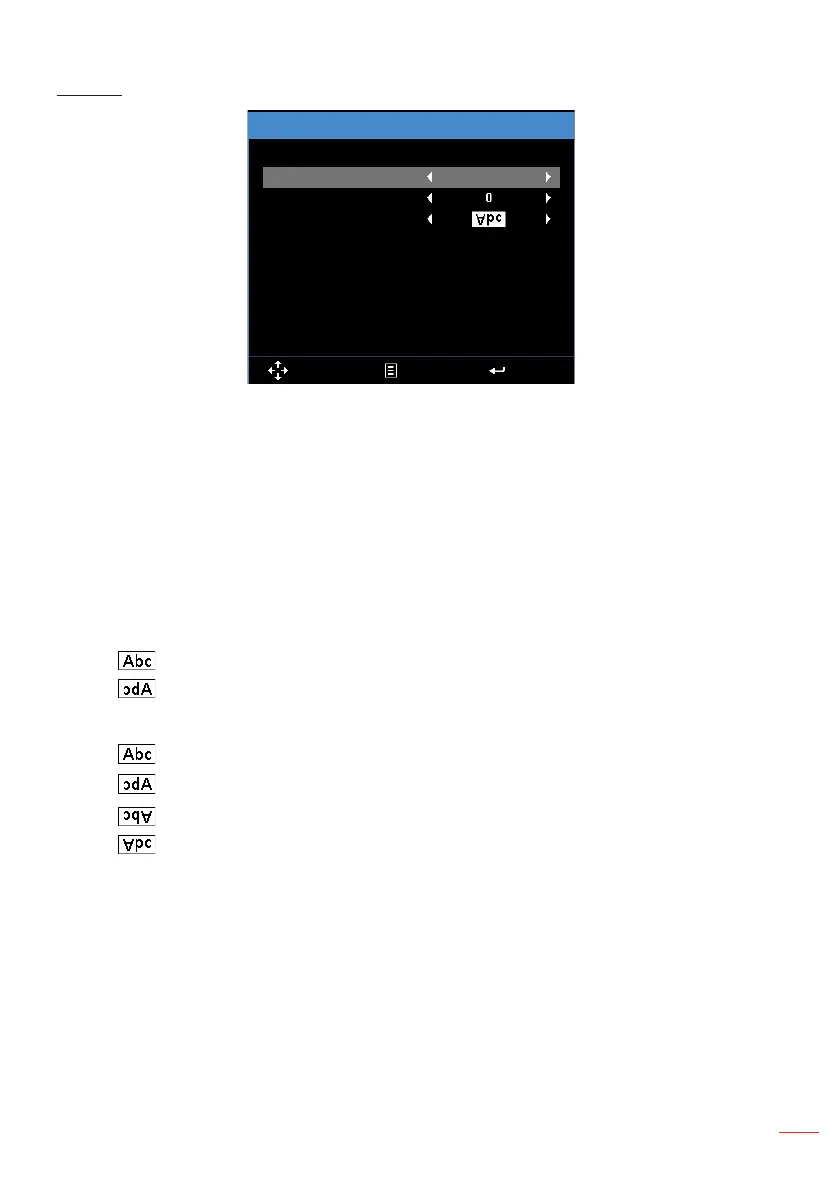
Auto Keystone
Keystone
Projection
Select Exit Enter
Auto Keystone
: Select
On
to
automatically adjust image distortion caused by tilting
the projector.
Note: The Auto Keystone function can be only used to adjust the image distortion vertically.
Keystone
:
Adjust image distortion caused by tilting the projector (+/-40 degrees).
Note: If you adjust the keystone degrees manually then the Auto Keystone function will be
automatically switched off.
Projection
:
Select the projection mode, depending upon how the projector is
mounted.
y
Auto Keystone: On
Direct projection
Rear projection
y
Auto Keystone: Off
Direct projection
Rear projection
Ceiling mount projection
Ceiling mount rear projection



 To Next Page