Safety Instructions
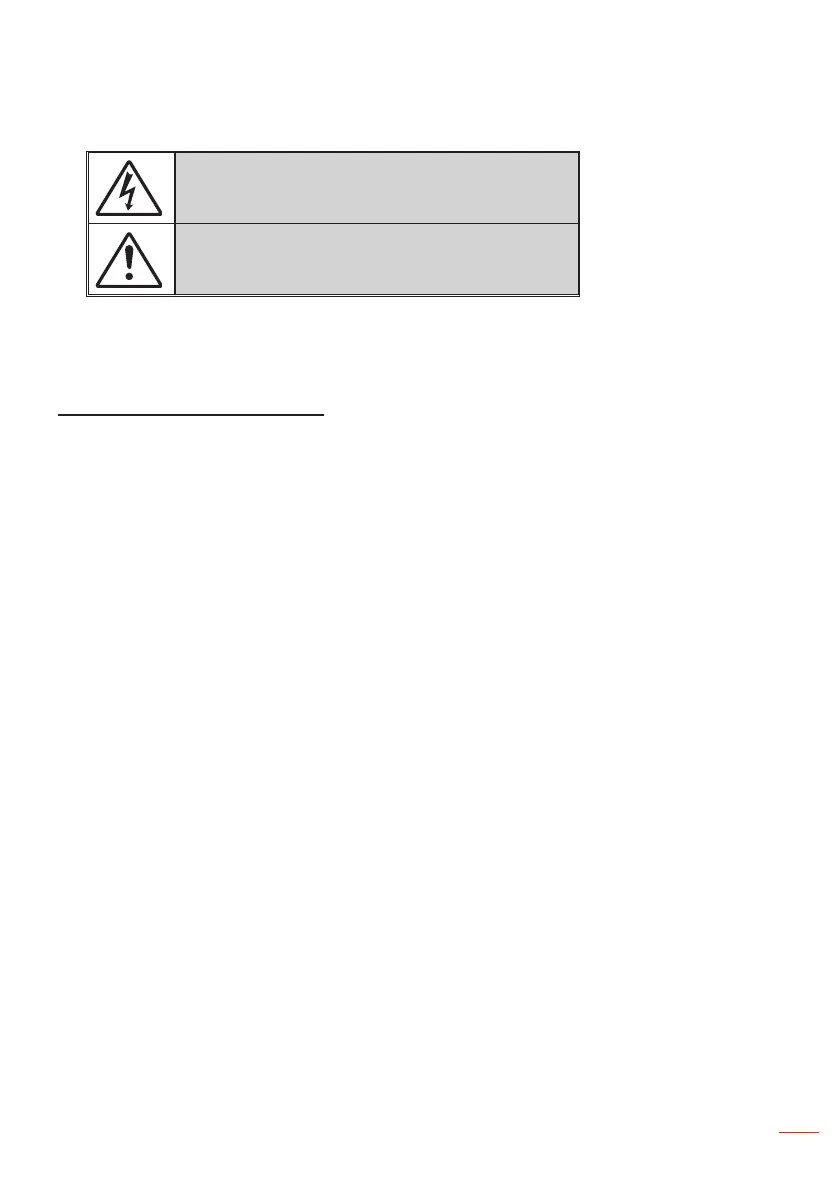
The lightning ash with arrow head within an equilateral triangle is
intended to alert the user to the presence of uninsulated “dangerous
voltage” within the product’s enclosure that may be of sufcient
magnitude to constitute a risk of electric shock to persons.
The exclamation point within an equilateral triangle is intended to alert
the user to the presence of important operating and maintenance
(servicing) instructions in the literature accompanying the appliance.
WARNING: TO REDUCE THE RISK OF FIRE OR ELECTRIC SHOCK, DO NOT EXPOSE THIS
APPLIANCE TO RAIN OR MOISTURE. DANGEROUS HIGH VOLTAGES ARE PRESENT INSIDE THE
ENCLOSURE. DO NOT OPEN THE CABINET. REFER SERVICING TO QUALIFIED PERSONNEL ONLY.
Important Safety Instruction
1. Do not block any ventilation openings. To ensure reliable operation of the projector and to
protect from over heating, it is recommended to install the projector in a location that does not
block ventilation. As an example, do not place the projector on a crowded coffee table, sofa,
bed, etc. Do not put the projector in an enclosure such as a book case or a cabinet that restricts
air ow.
2. Do not use the projector near water or moisture. To reduce the risk of re and/or electric shock,
do not expose the projector to rain or moisture.
3. Do not install near heat sources such as radiators, heaters, stoves or any other apparatus such
as ampliers that emit heat.
4. Clean only with dry cloth.
5. Only use attachments/accessories specied by the manufacturer.
6. Do not use the unit if it has been physically damaged or abused.
Physical damage/abuse would be (but not limited to):
Unit has been dropped.
Power supply cord or plug has been damaged.
Liquid has been spilled on to the projector.
Projector has been exposed to rain or moisture.
Something has fallen in the projector or something is loose inside.
Do not attempt to service the unit yourself. Opening or removing covers may expose you to
dangerous voltages or other hazards. Please call InFocus before you send the unit for repair.
7. Do not let objects or liquids enter the projector. They may touch dangerous voltage points and
short out parts that could result in re or electric shock.
8. See projector enclosure for safety related markings.
9. The unit should only be repaired by appropriate service personnel.
3
English



 To Next Page