45
English
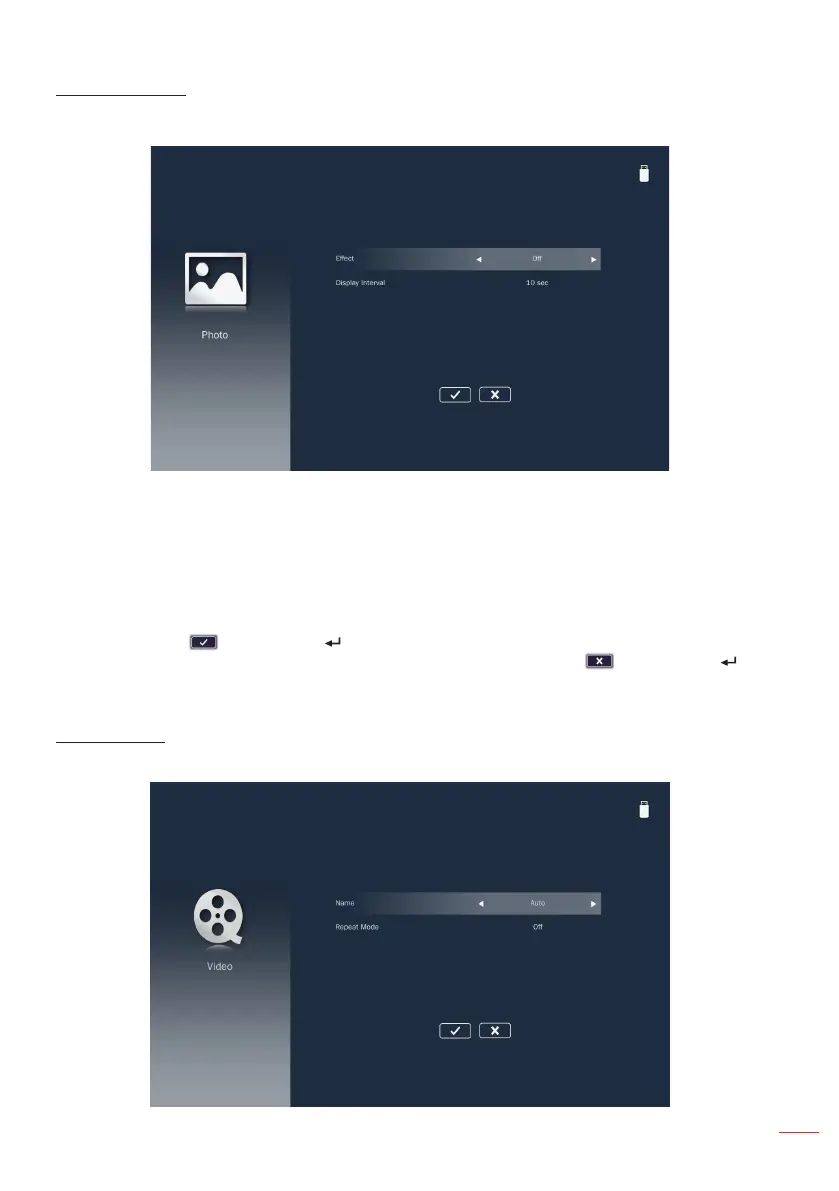
Photo Settings
Access the photo settings menu. The photo settings menu provides the following
options:
Effect
Select the slide transition effect for the slideshow. Options are: Off, Mode A, Mode B,
or Mode C.
Display Interval
Select the slideshow duration. Options are: 10 sec, 30 sec
, or
1 min. The image will
automatically switch to the next photo after the time out.
Note: Choose and press the button on the control panel or the Enter button on the
remote control to save the settings and exit the menu or choose and press the
button on the control panel or the Enter button on the remote control to exit the menu
without saving the settings.
Video Setup
Access the video settings menu. The video setting menu provides the following option:



 To Next Page