44
English
Multi-Media Settings for System and USB
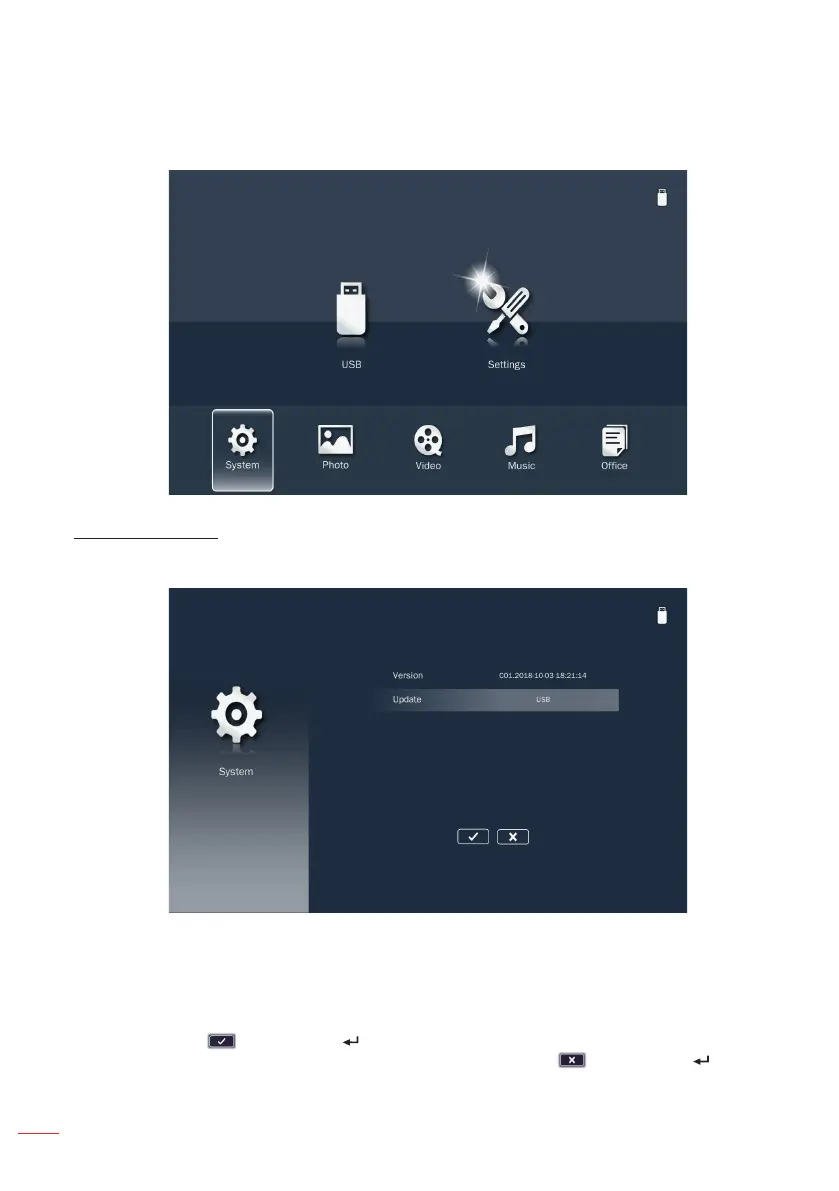
The multi-media settings menu allows you to change settings for System, Photo,
Video, and Music.
System Settings
Access the system settings menu. The system settings menu provides the following
options:
Version
Displays the Media firmware version.
Update
Update the multimedia firmware only from the USB drive.
Note: Choose and press the button on the control panel or the Enter button on the
remote control to save the settings and exit the menu or choose and press the button on
the control panel or the Enter button on the remote control to exit the menu without saving the
settings.



 To Next Page