33
English
Reset
:
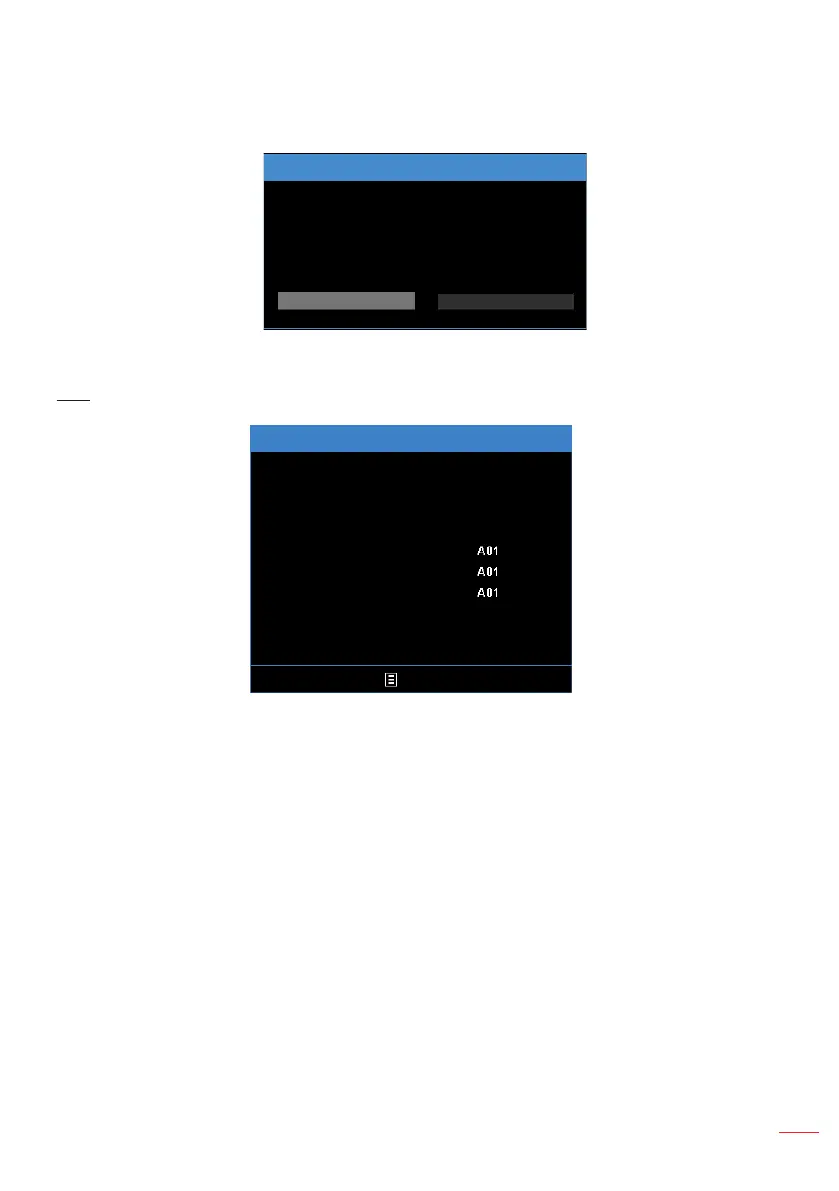
Reset all settings to the factory default, including computer sources and
video source settings. After choosing this option, a confirmation message appears
on the screen. Select Yes to confirm or No to cancel reset.
Reset
No
Reset?
Yes
Info
Exit
Media Ver.
Info
Serial Number
Signal Type
System Ver.
MCU Ver.
Media Ver.
Exit
1920x1080 60Hz
Review projector related information, such as Serial Number, Signal Type,
System Ver., MCU Ver., and Media Ver..



 To Next Page