46
English
Display Ratio
Select the display ratio of the video.
y
Auto: The resolution of the video image is detected automatically.
y
Full screen: Regardless the native aspect ratio, the video image is stretched
non-linearly in the horizontal and vertical directions to exactly fit the screen. You
will not see the "black bars" around the video image but the proportions of the
original content may be distorted.
Repeat Mode
Select the video repeat mode. Options are: Sequence, Single, Random, or Off
.
Note: Choose and press the button on the control panel or the Enter button on the
remote control to save the settings and exit the menu or choose and press the
button on the control panel or the Enter button on the remote control to exit the menu
without saving the settings.
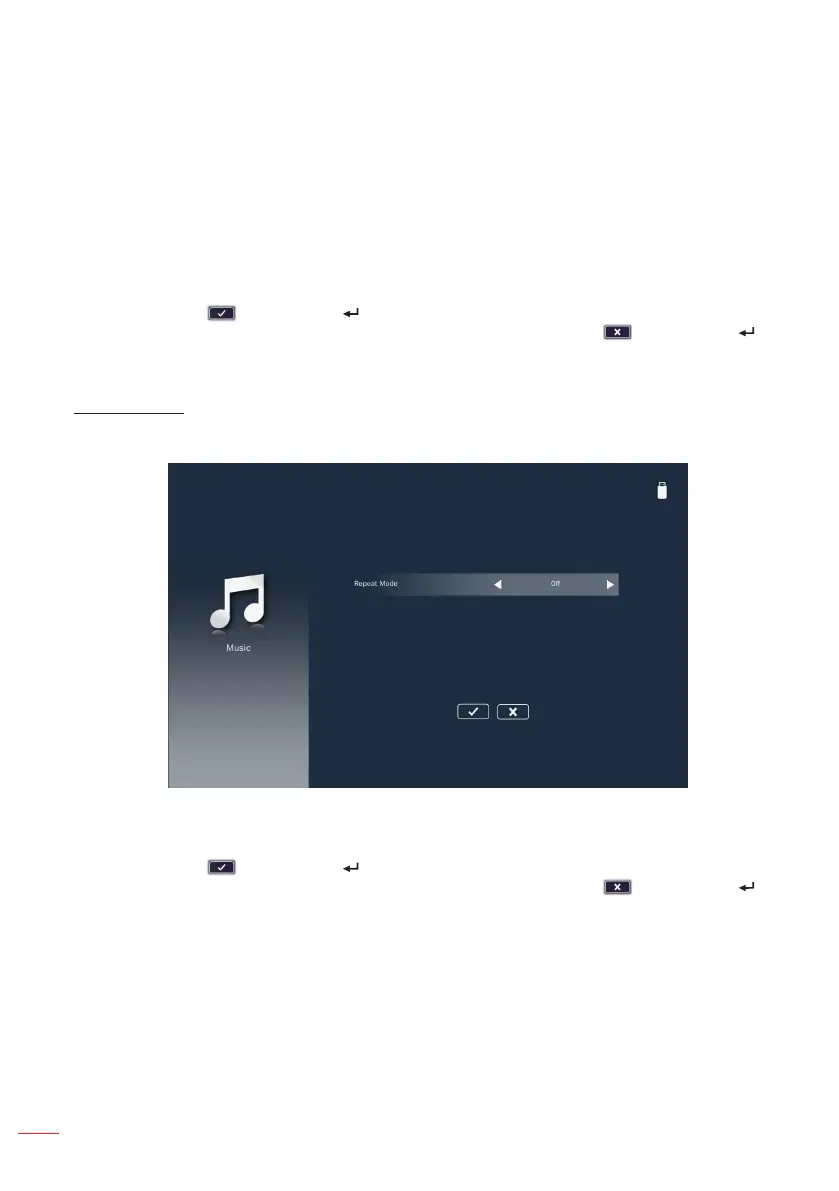
Music Setup
Access the music settings menu. The music settings menu provides the following
option:
Repeat Mode
Select the music play mode. Options are: Sequence, Single, Random, or Once.
Note: Choose and press the button on the control panel or the Enter button on the
remote control to save the settings and exit the menu or choose and press the
button on the control panel or the Enter button on the remote control to exit the menu
without saving the settings.



 To Next Page