48
English
Mirroring the Screen of a Portable Device
Follow these steps to mirror the screen of your portable device:
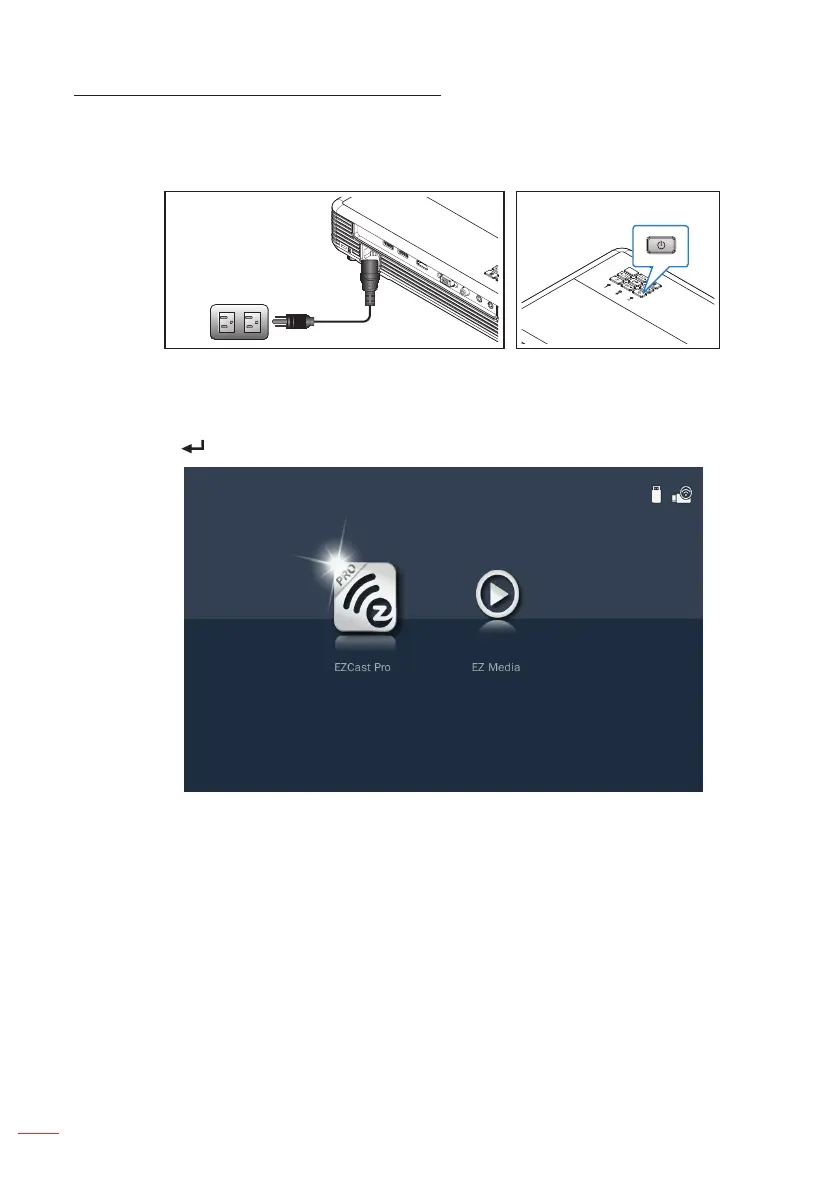
1. Connect the power cord to the projector and turn on the projector by pressing the
Power button.
Select the Media source using the remote control or control panel on the projector.
The Multi-Media menu opens.
2. Select the EZCast Pro icon and press the Enter button on the remote control or
press the button on the control panel.



 To Next Page