43
English
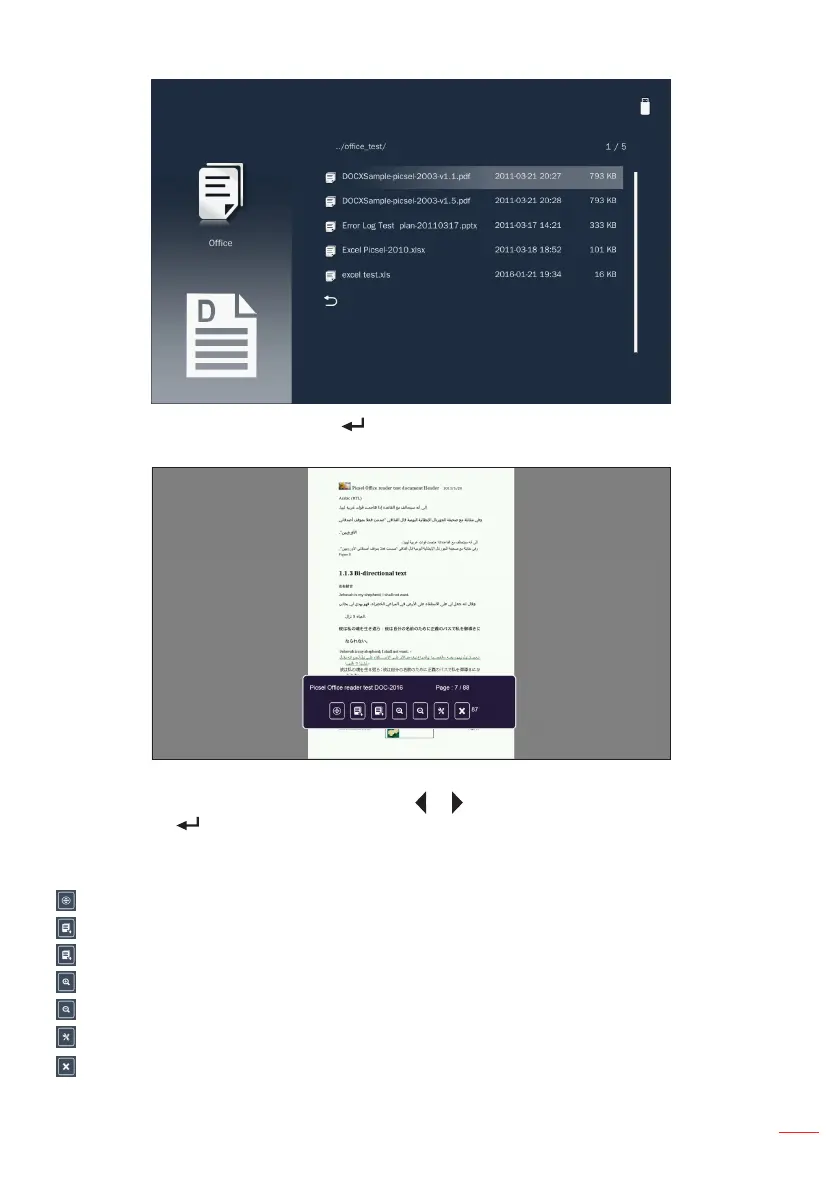
Choose an office file and press the button on the control panel or the Enter button
on the remote control to open it on the screen.
While viewing an office file, you can control playback using the control command bar
icons on the bottom of the screen. Press the or button to select the command and
then press the button on the control panel or the Enter button on the remote control
to execute the command.
The commands are:
: Navigates the page.
: Goes to the previous page.
: Goes to the next page.
: Zooms in on a page.
: Zooms out on a page.
: Configures the office settings. Refer to page 47.
: Exits playback and returns to the file list.



 To Next Page