31
English
Phase
:
Synchronize the signal timing of the display with the graphic card. If the
image appears to be unstable or flickers, use the Phase to correct it. This is a fine
adjustment.
Note: The Phase can be adjusted only in VGA mode.
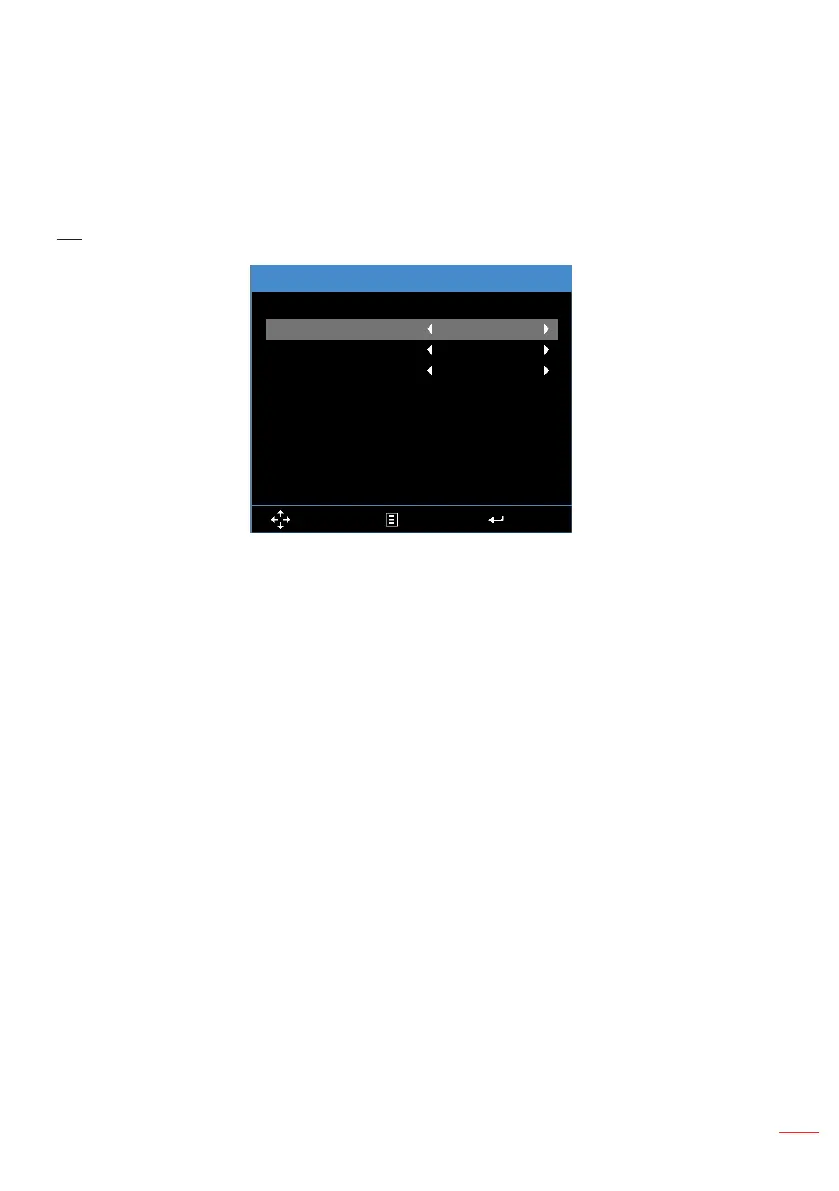
3D
3D
3D Format
3D Sync. Invert
3D
Select Exit Enter
Off
Auto
Off
3D
:
Turn the 3D function on or off.
3D Format
:
Set up the 3D format according to the 3D input signal. Options are:
Auto, Frame Packing, Side by Side Half, Side by Side Full, Top and Bottom, and
Frame Sequential.
3D Sync. Invert
:
Turn the 3D sync. inverter option on or off.
Note: 3D/3D Sync. Invert cannot be changed when you select image settings.



 To Next Page