27
English
User Controls
Please refer to the
“Troubleshooting”
section on pages
45-50 for
more details.
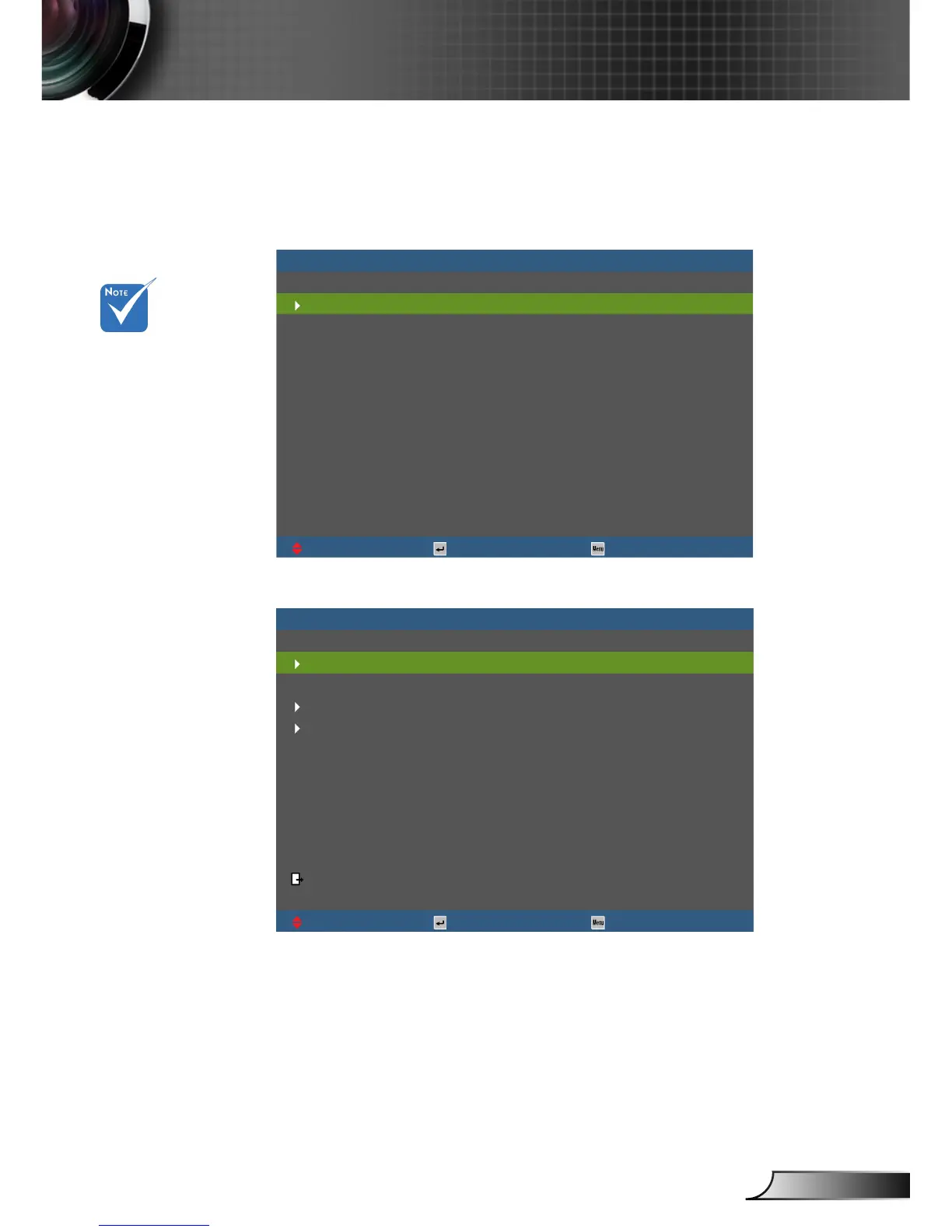
Help menu button functions only when no input source
is detected.
UpDown Select Exit
[NEXT]
[EXIT]
No Image appears on-screen
Ensure all the cables and power connections are correctly and securely
connected as described in the Installation section of User Manual.
Ensure all the pins of connectors are not bent or broken.
Ensure that the [AV MUTE] feature is not turned on.
HELP
No Image appears on-screen
UpDown Select Exit



 To Next Page