28
English
User Controls
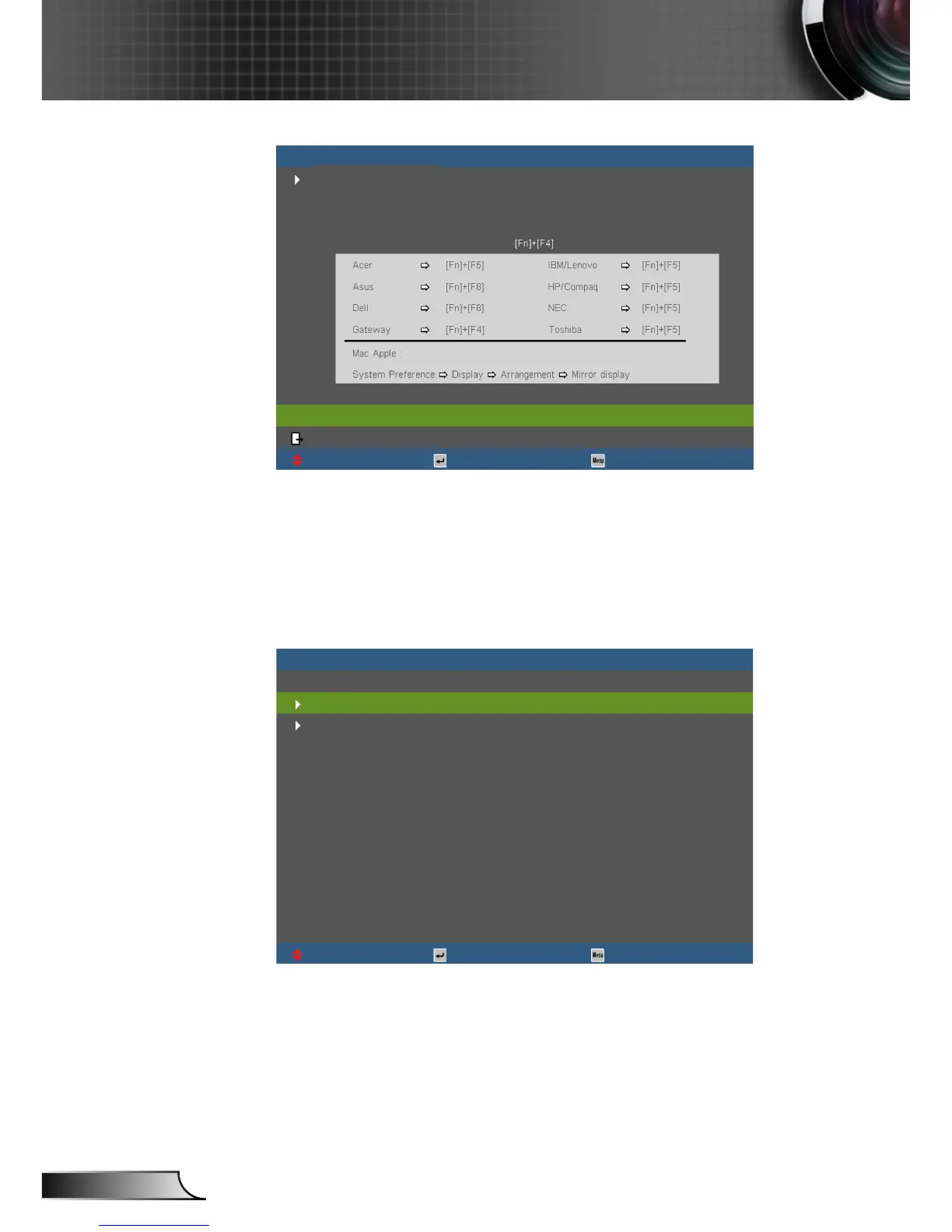
If input source is detected and help button is pressed, the
following pages will appear to help diagnose any problems.
UpDown Select Exit
[PREV]
[EXIT]
No Image appears on-screen
If you are using a Notebook:
First, follow the steps above to adjust resolution of
the computer.
Press the toggle output settings. Example:
HELP
Image has slanted sides
UpDown Select Exit
Image is too small or too large
Presenter download address:
1.
2.



 To Next Page