LP340/340B/350 Service Manual 72
Upgrade the Software
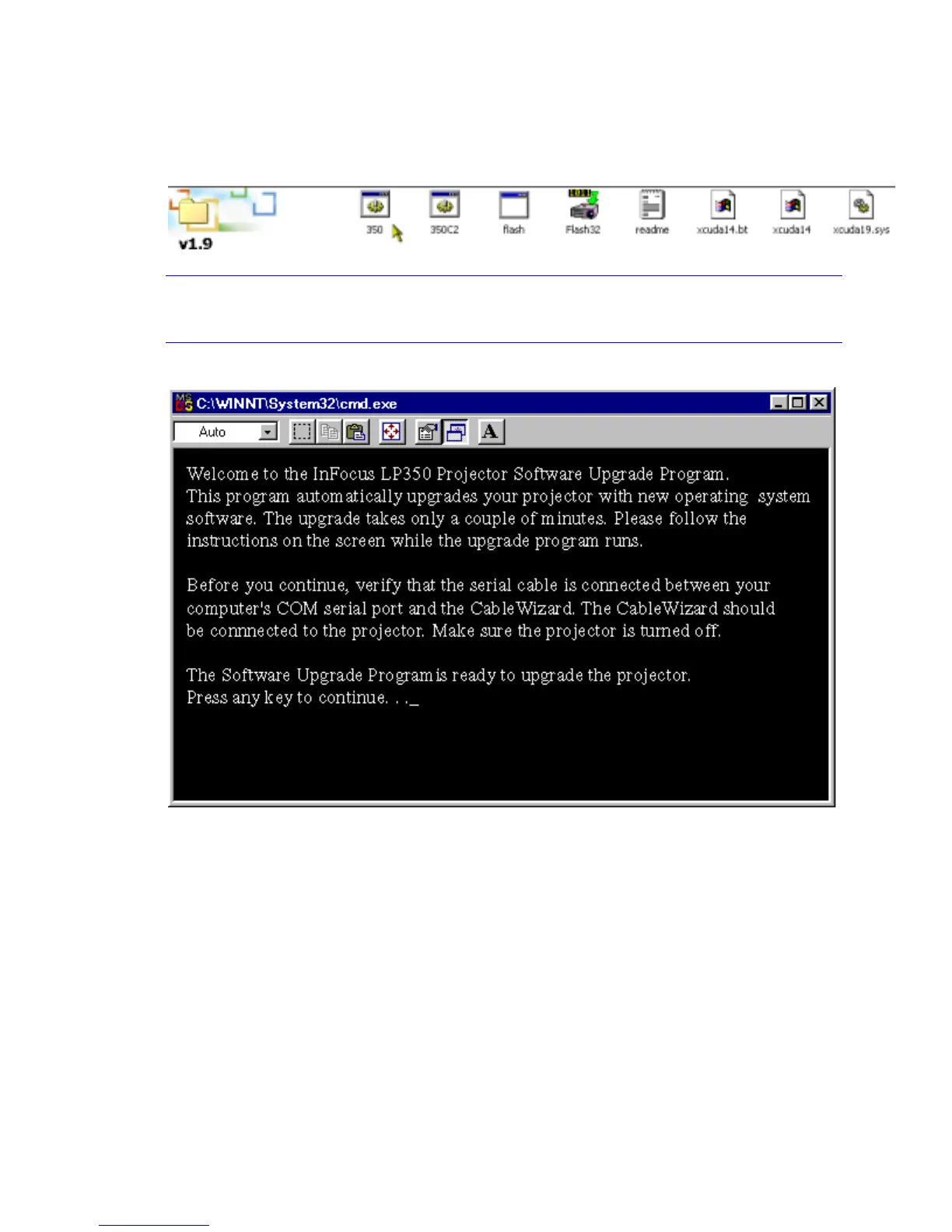
1 Open Windows Explorer, navigate to the batch file, then double-click the batch file (TI in this
example).
NOTE If you connected the serial cable to the COM2, use the Com2 batch file (T1C2 in the
example above).
The DOS window opens, displaying instructions and upgrade status.
2 When the prompt Press any key to continue appears, press any key on the computer keyboard.
A second screen appears—again with the prompt, Press any key to continue.



 To Next Page